
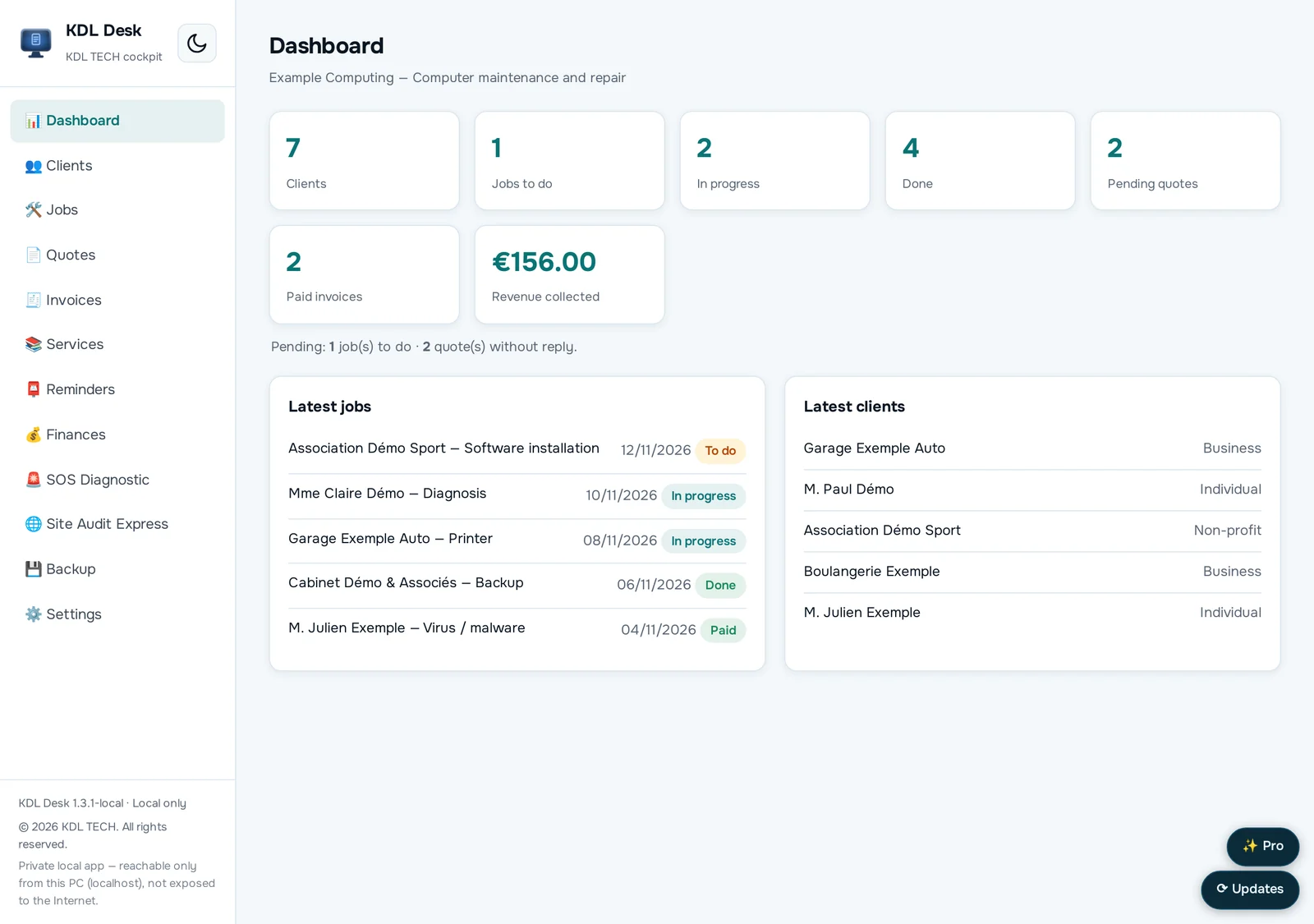
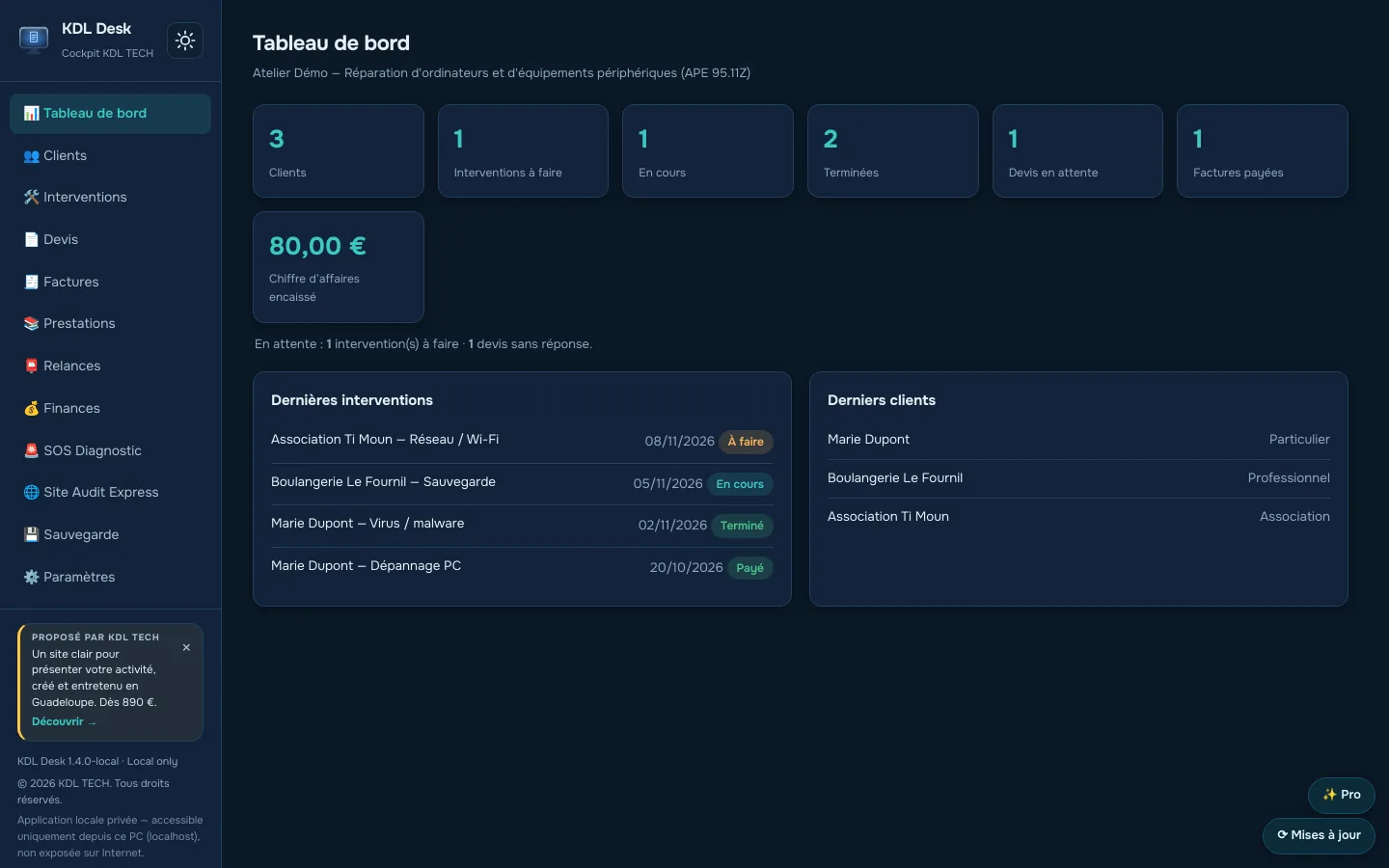
What it does
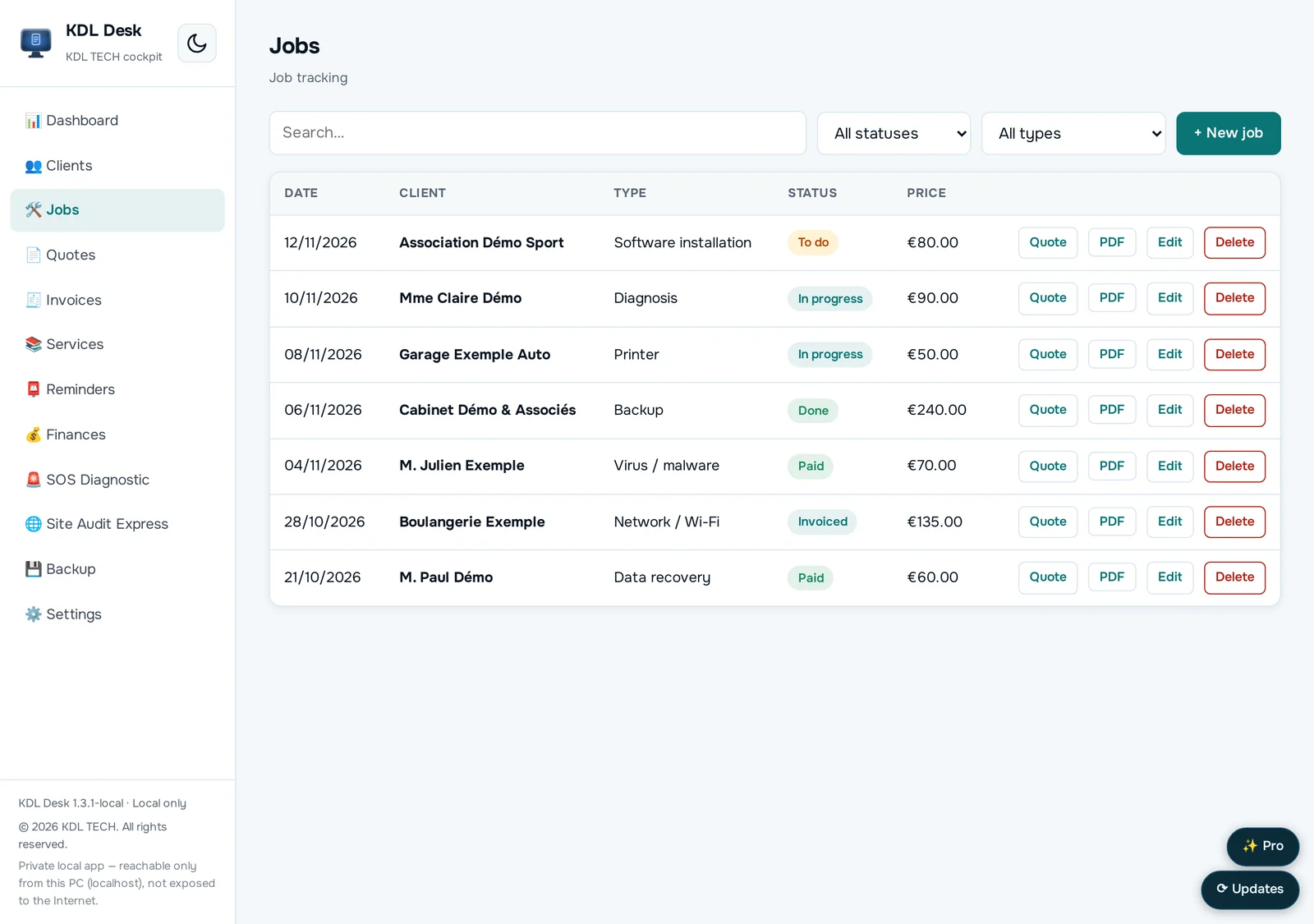
- Client records and job tracking
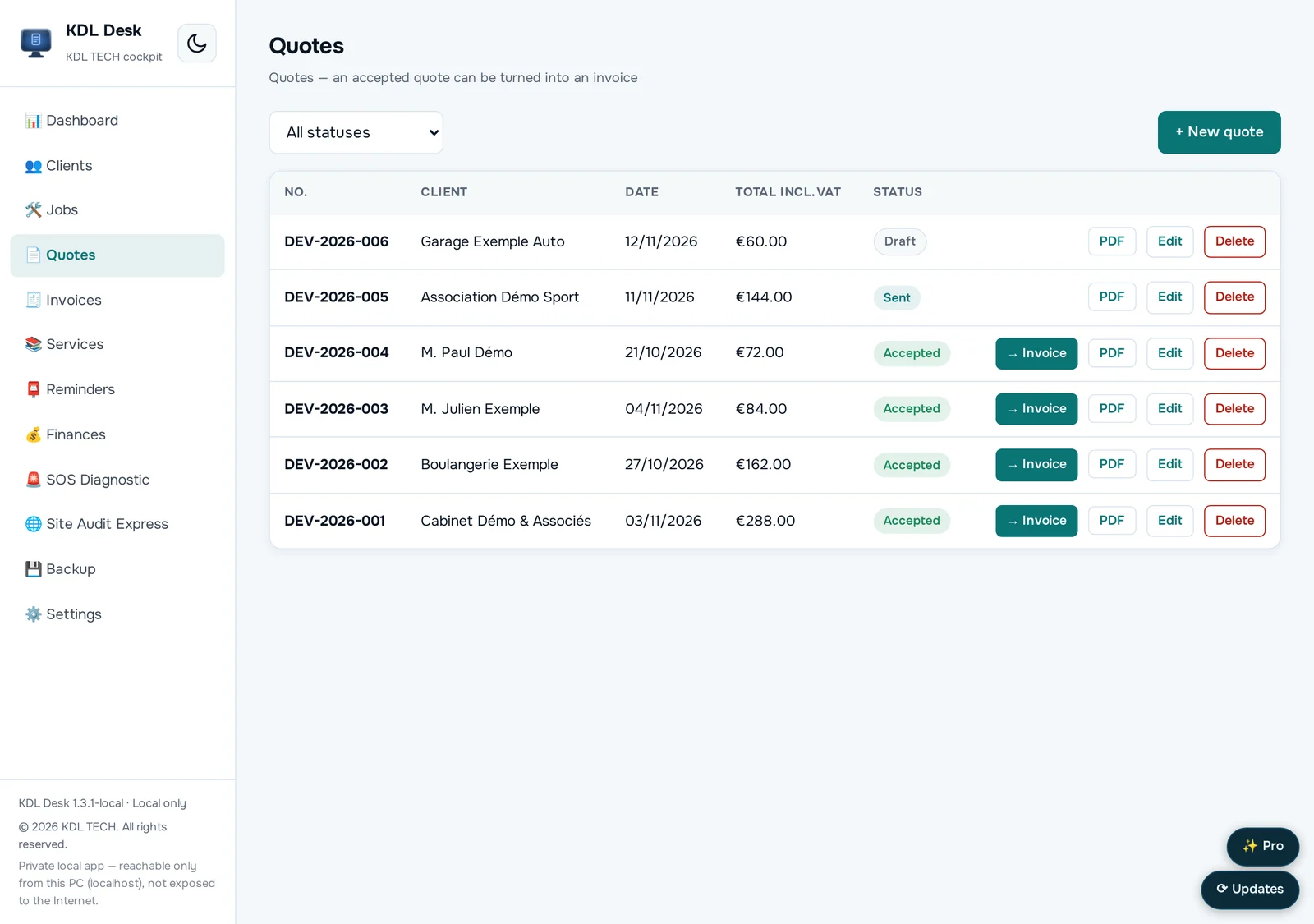
- Quotes and invoices numbered in sequence for you
- Clean PDFs you can send as they are
- Your data stays in a file on your computer
- Works offline
Free or Pro
| Free version | Pro version | |
|---|---|---|
| Client records | 10 clients | Unlimited |
| Jobs, quotes, invoices, PDF | Yes | Yes |
| Unpaid invoices and reminders | — | Yes |
| Services list | — | Yes |
| Financial dashboard | — | Yes |
| Accounting export | — | Yes |
Screenshots
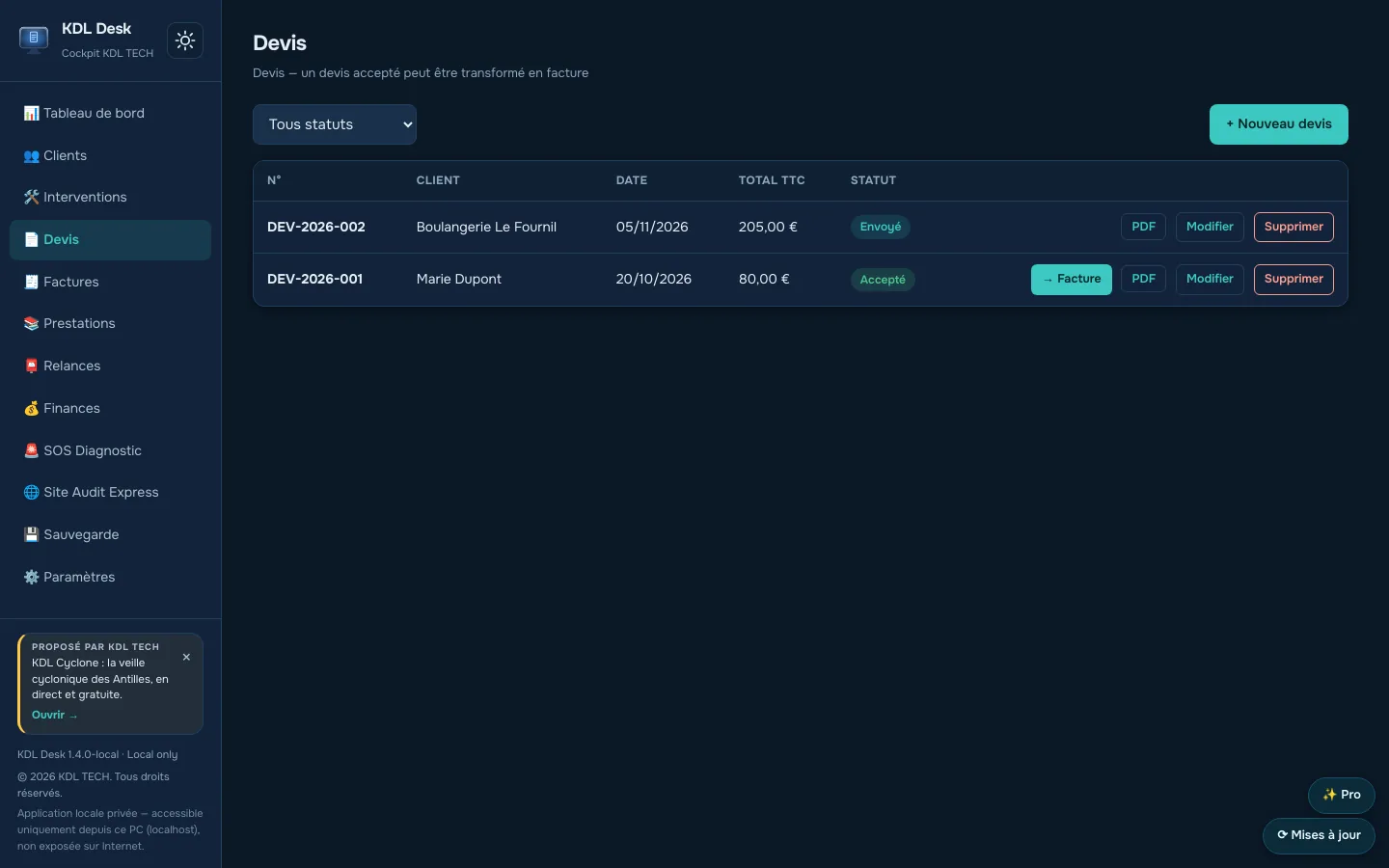
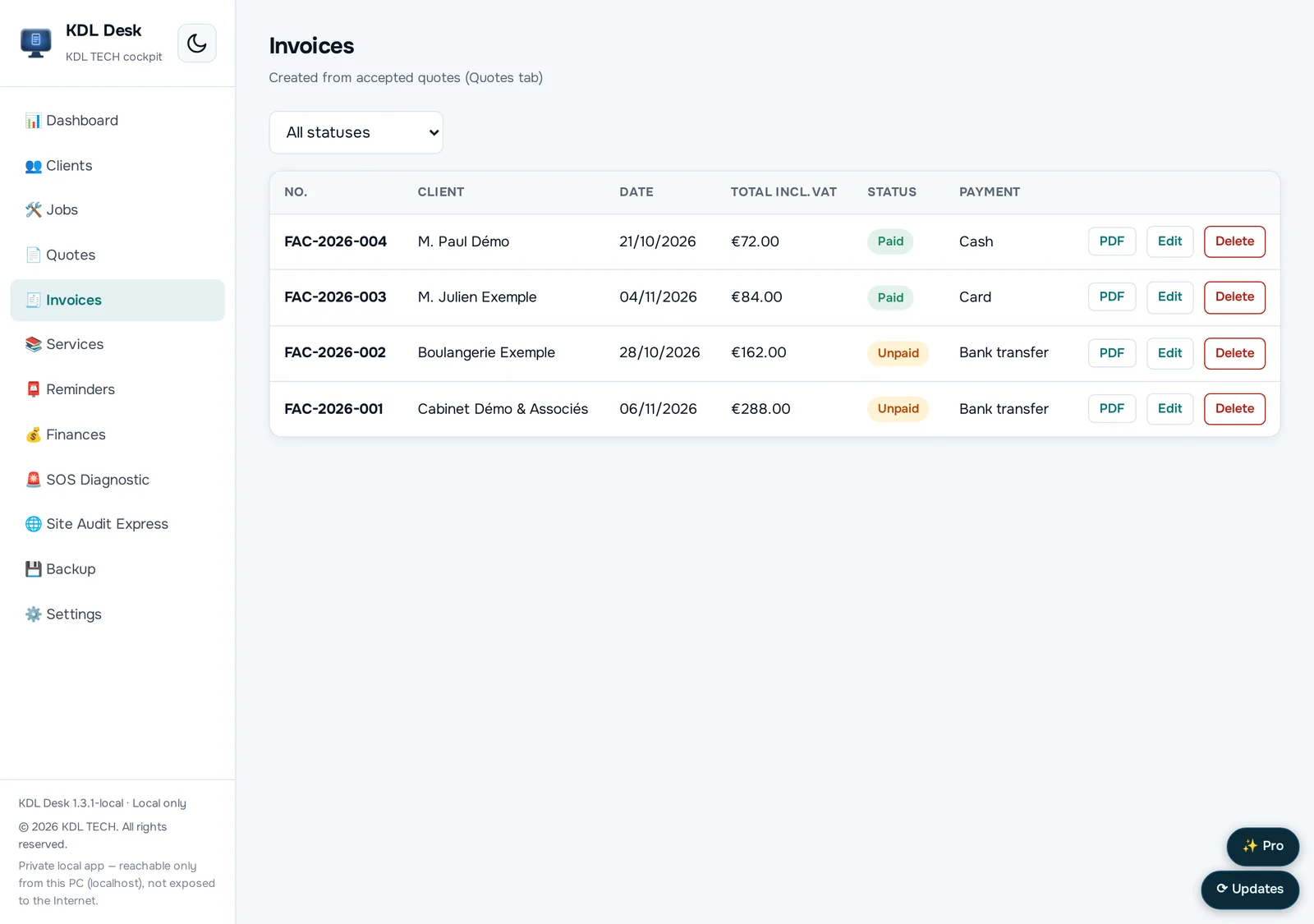
Download
Free, no account.
Version 1.4.0
WindowsYour system
Windows 10 and 11.exe installer · 29.1 MBLinuxYour system
Ubuntu, Debian, Mint.deb package · 34.0 MBThe Windows files are not code-signed yet: the first time you run them, Windows SmartScreen may show a warning.
SHA-256 checksums
- KDL-Desk-Setup-1.4.0.exe
c13f9925f5ff22f57de17d2bf8d99155a3e1d5f84dd6e562cb3963e6e18e7562 - kdl-desk_1.4.0_amd64.deb
6675b3047547a1a60990c353a48ed8738f3992f25d028f3798018c25a7a6dd3e
Questions
- Do I need to create an account?
- No. The application opens and works without an account and without an internet connection.
- Where is my data stored?
- In a local file on your computer. You can copy it or back it up like any other document.
- How do I get the Pro edition?
- It is included in KDL Toolbox Pro: €49.90, paid once, for 3 computers, no subscription.