Software / KDL Memo
 KDL Memo
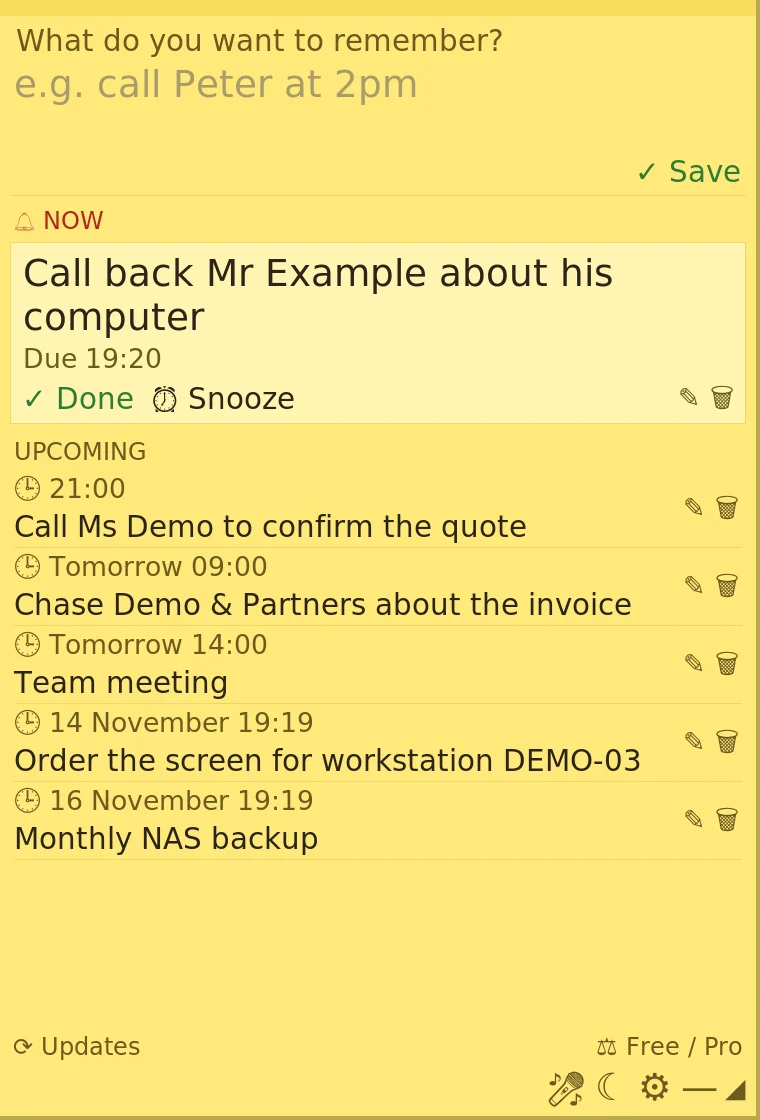
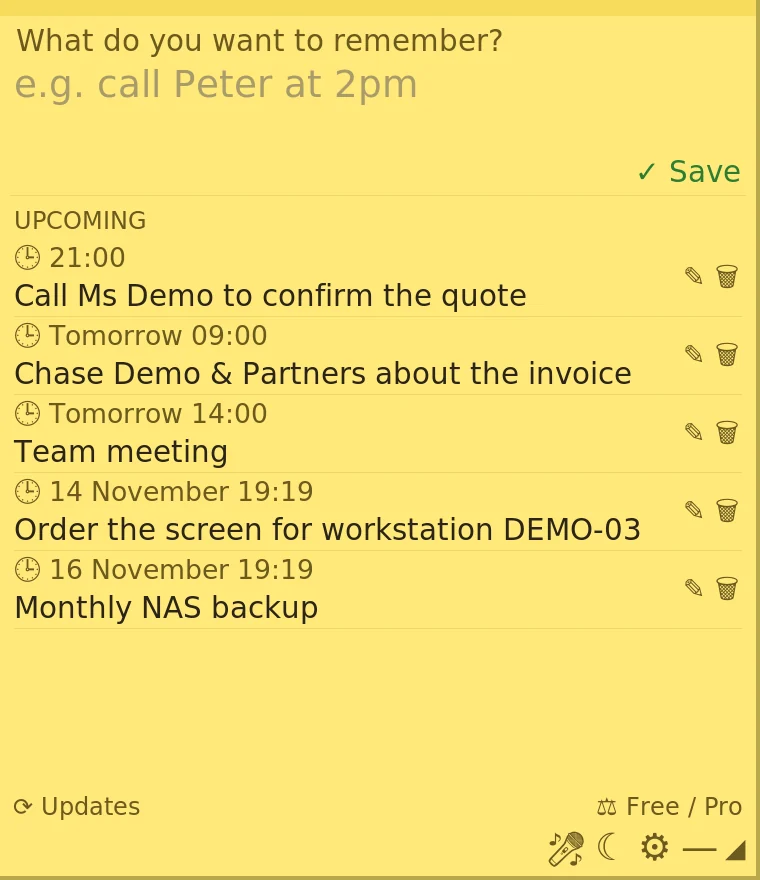
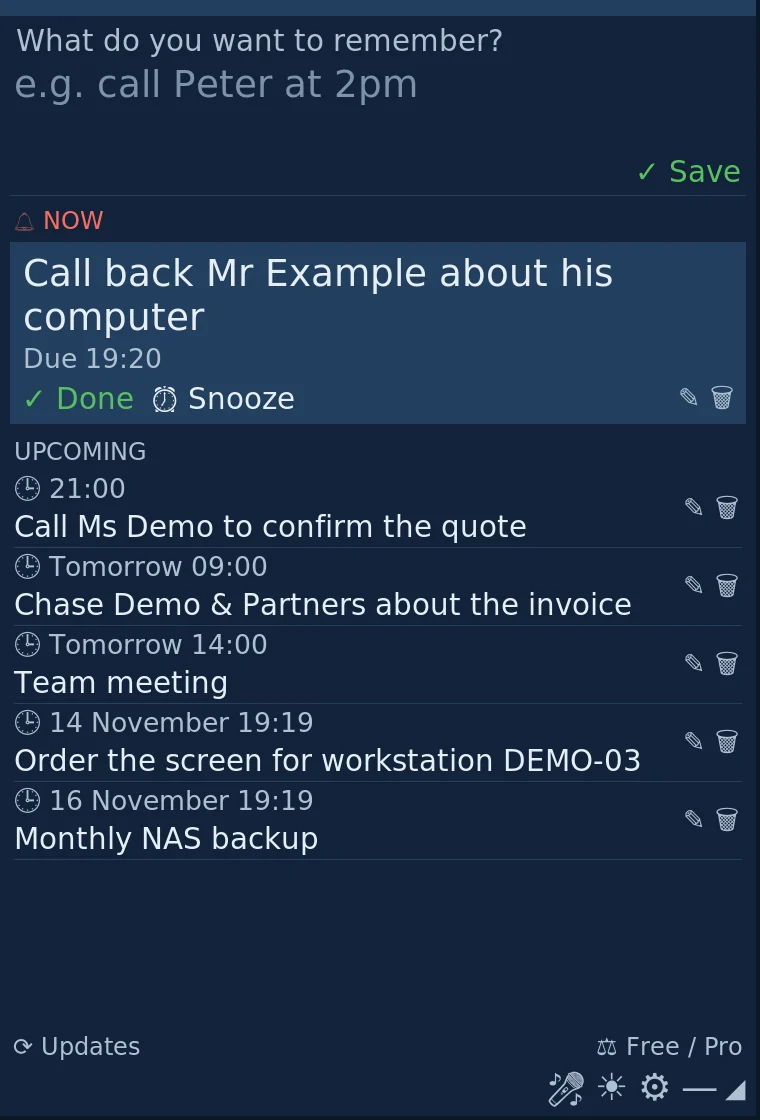
A note that stays on the desktop. Write a reminder in one sentence and it comes back at the time you chose.
What it does
- A reminder written in one sentence comes back on time
- Snooze for 10 minutes or an hour in one click
- Stays visible on the desktop
- Your notes never leave your computer
- Works without internet
Free or Pro
| Free version | Pro version | |
|---|---|---|
| Permanent note, reminders, alarms, snooze | Yes | Yes |
| Local history, export and import | Yes | Yes |
| Starts with the computer, works offline | Yes | Yes |
| English, French | Yes | Yes |
| Spanish | — | Yes |
| Local voice dictation | — | Yes |
| Local AI (no internet), or your own API key | — | Yes |
€19.90once, up to 3 computers
BuyScreenshots
Download
Free version. The Pro edition is a separate program: after purchase you receive the key and the link to install it.
Version 0.7.0
The Windows files are not code-signed yet: the first time you run them, Windows SmartScreen may show a warning.
SHA-256 checksums
- KDL-Memo-Free-Setup-0.7.0.exe
53100b0f550566f4d5f740e160a506c0d5004fd1934d32310bbf1dd32a1386cd - KDL-Memo-Free-Portable-0.7.0.exe
5fd9b8093fdfe2a83852f8a850a38b66763e93de39a82820a027b93896ae36a0 - kdl-memo-free_0.7.0_amd64.deb
b8de34ed2465b679d2070dbe53d3362cb69a556e438e11c4d21ea93dfe4b0668 - kdl-memo-free-0.7.0
0a4fbc0566293ee0d1b777461e1c4c370bc6121d10e5dfd3eb7a9b0f36af35c0
Questions
- Do I need AI to use KDL Memo?
- No. Reminders and deadlines work without any AI. AI is a Pro option, switched on only if you want it.
- Is Pro a subscription?
- No. It is paid once, €19.90, for up to 3 computers.