
Software / KDL PDF Facile
 KDL PDF Facile
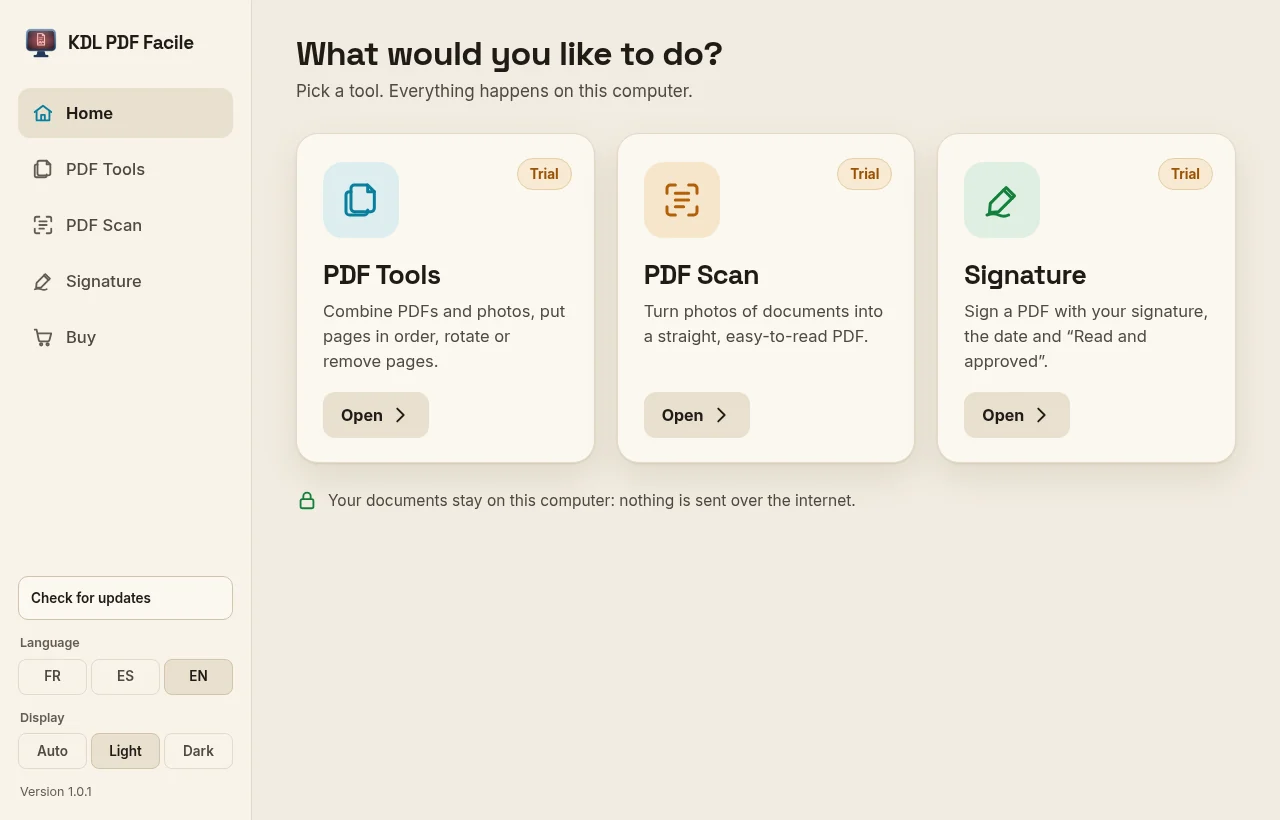
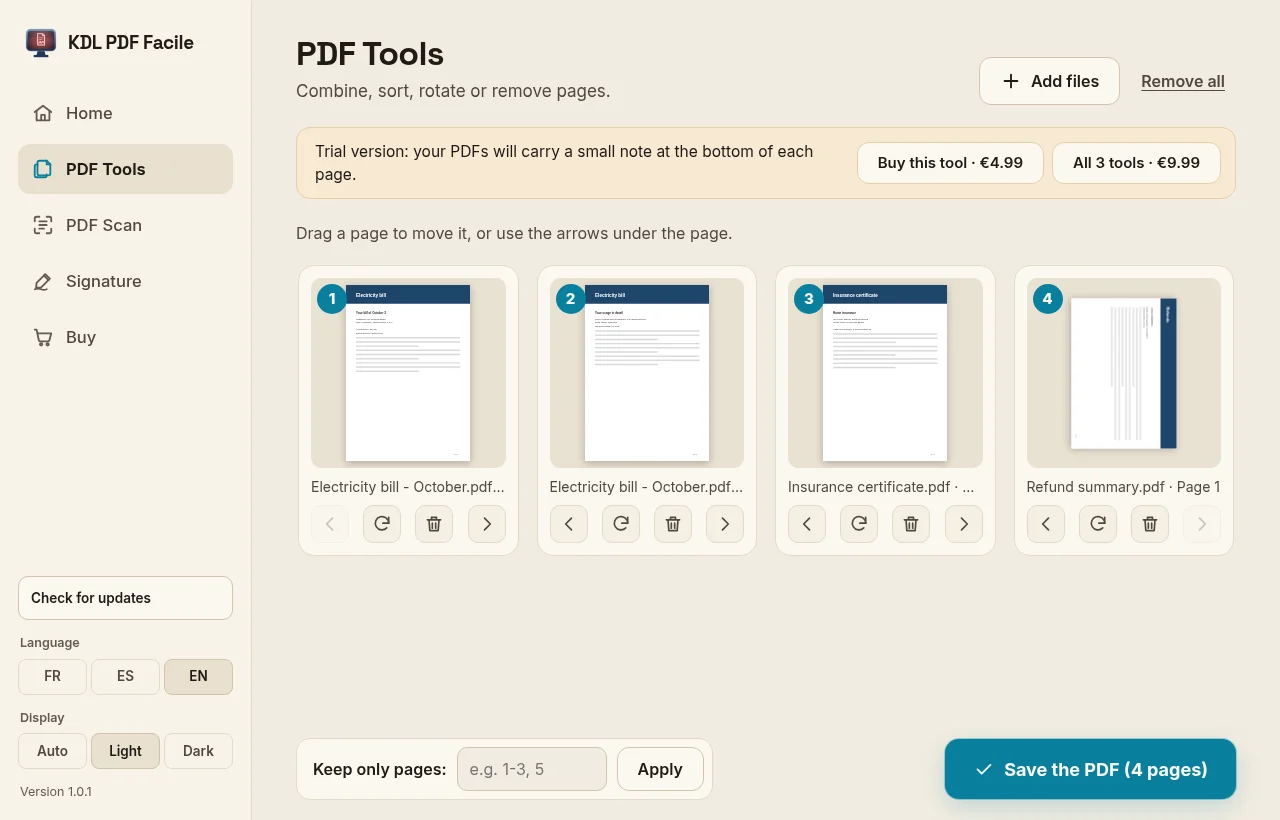
Three tools in one program, with big buttons and one step per screen. PDF Tools merges, sorts, rotates and removes pages. PDF Scan turns photos of a letter into a straight, readable PDF. Signature puts your signature on a PDF. Your documents stay on your computer.
What it does
- PDF Tools: combine several PDFs and photos (JPG, PNG) into one file
- PDF Tools: put pages back in order, rotate them, remove them or keep only the ones you want
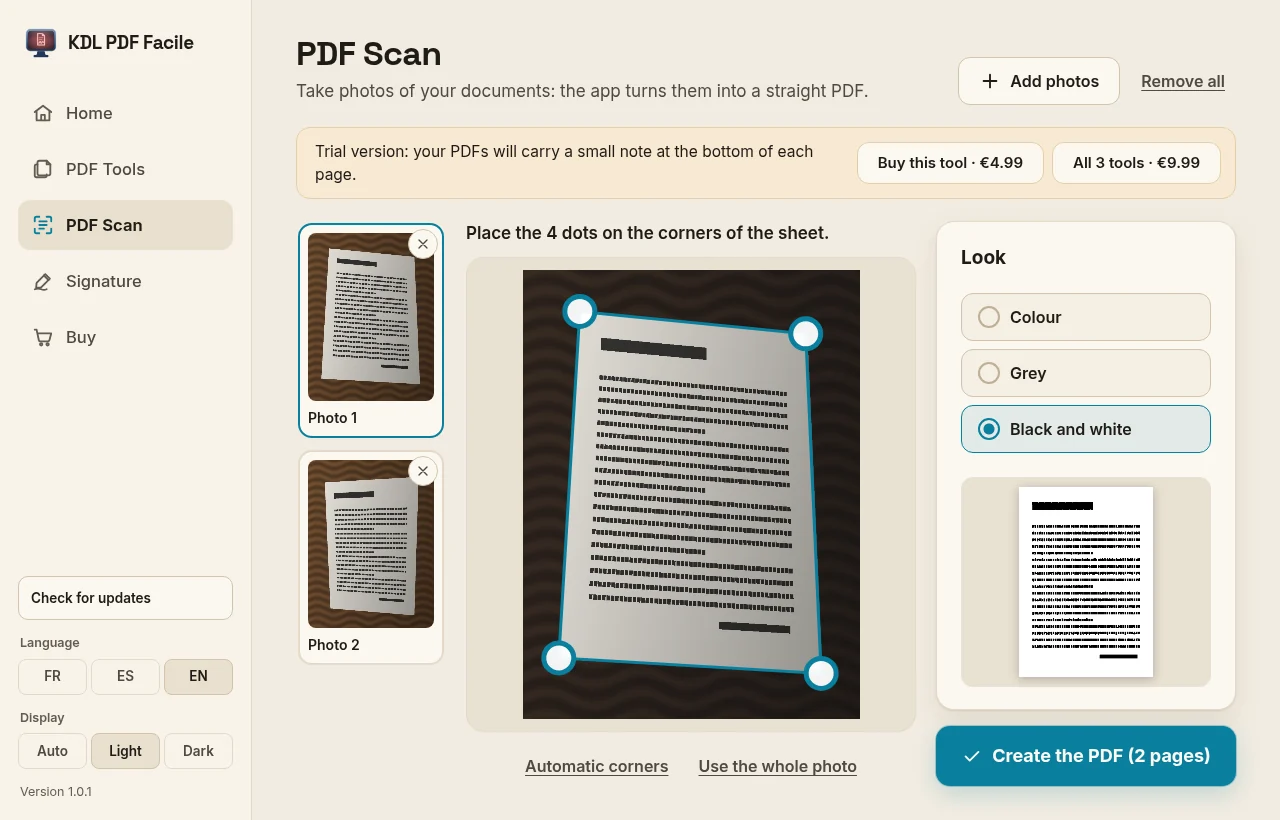
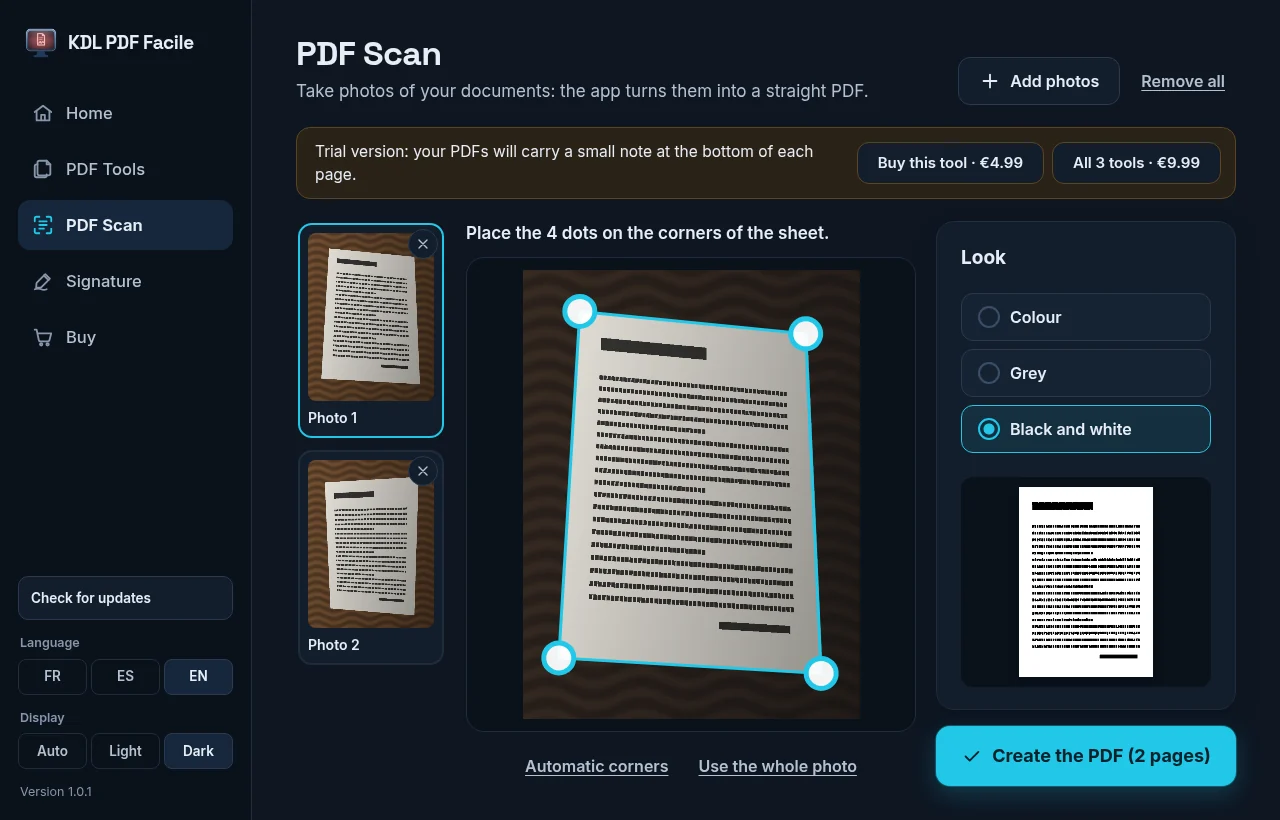
- PDF Scan: the corners of the sheet are found for you, and you can move them
- PDF Scan: straightened page in colour, grey or black and white; several photos make one A4 PDF
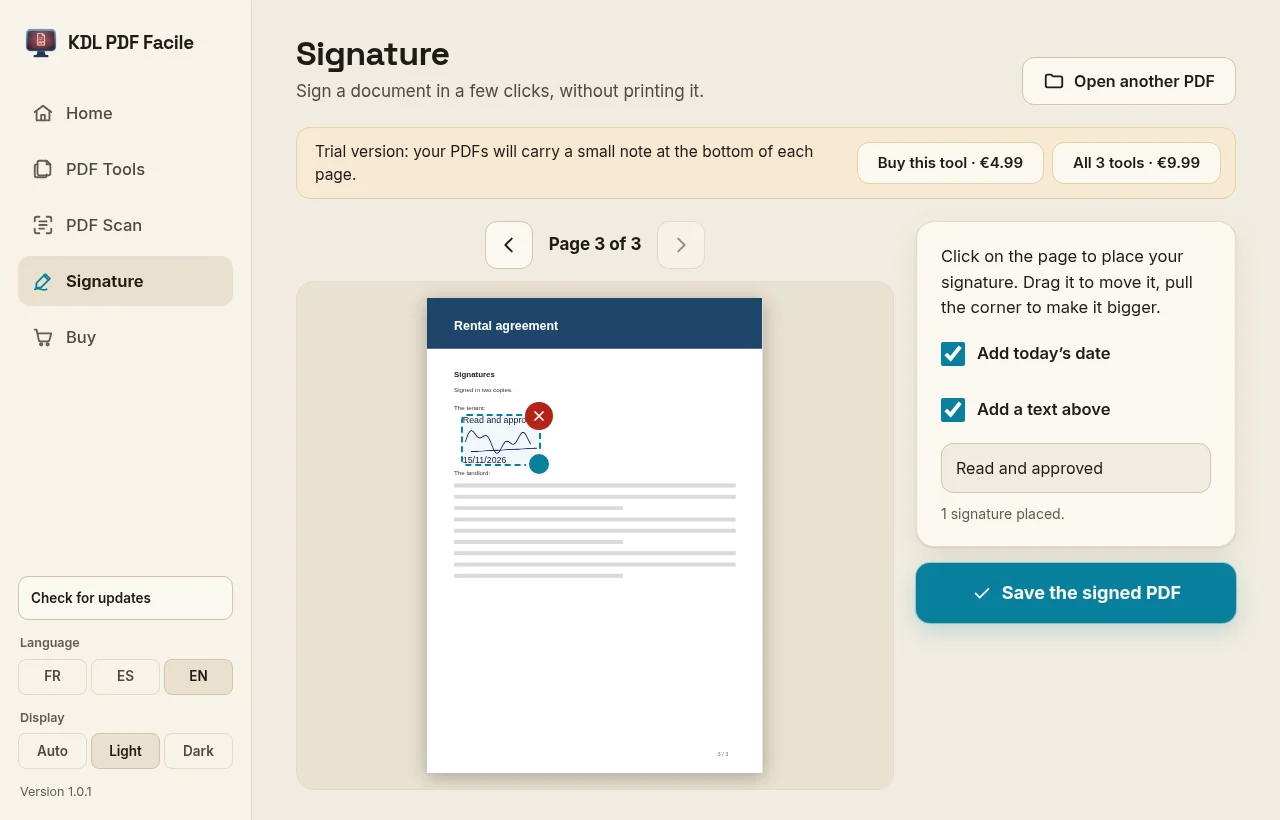
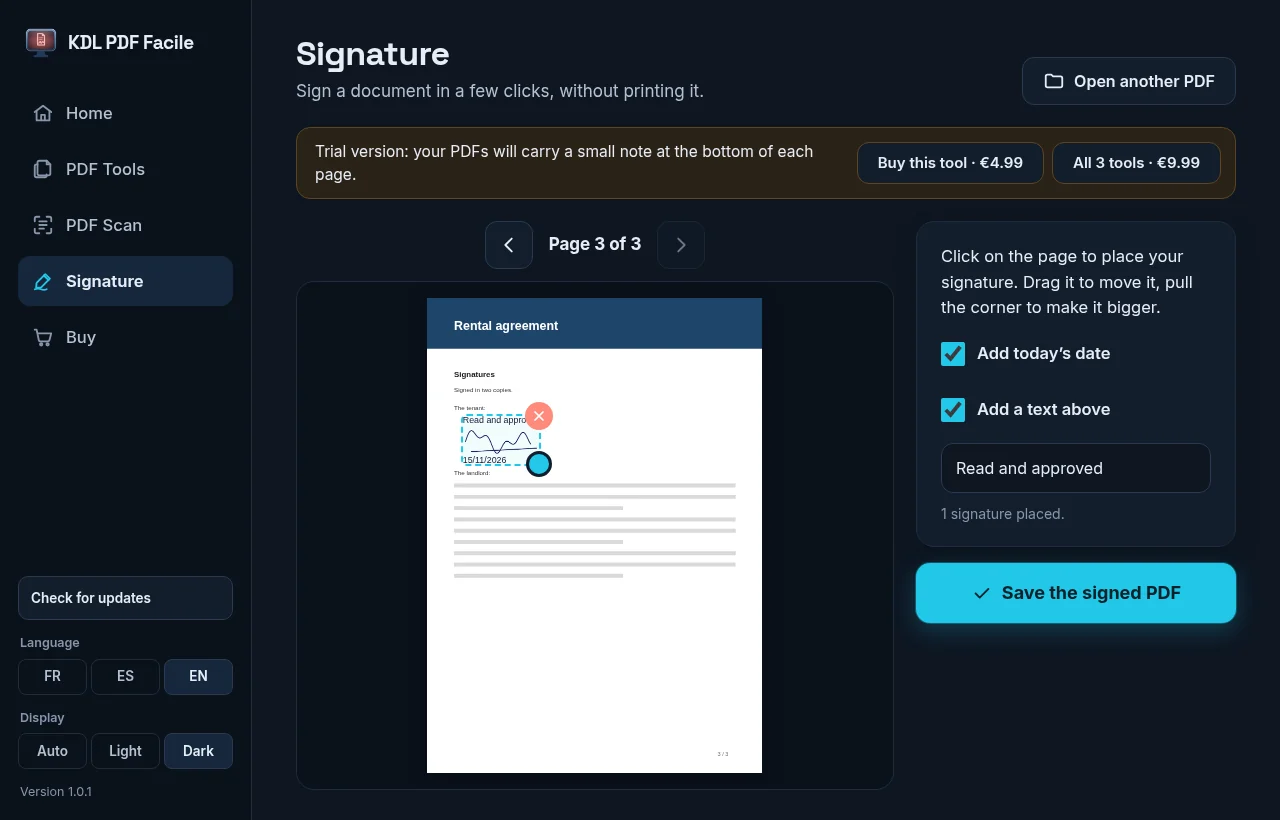
- Signature: drawn with the mouse or touchpad, or imported as an image, and kept for next time
- Signature: today's date and “Read and approved” if you want them
- The original file is never changed: the result goes into a new file
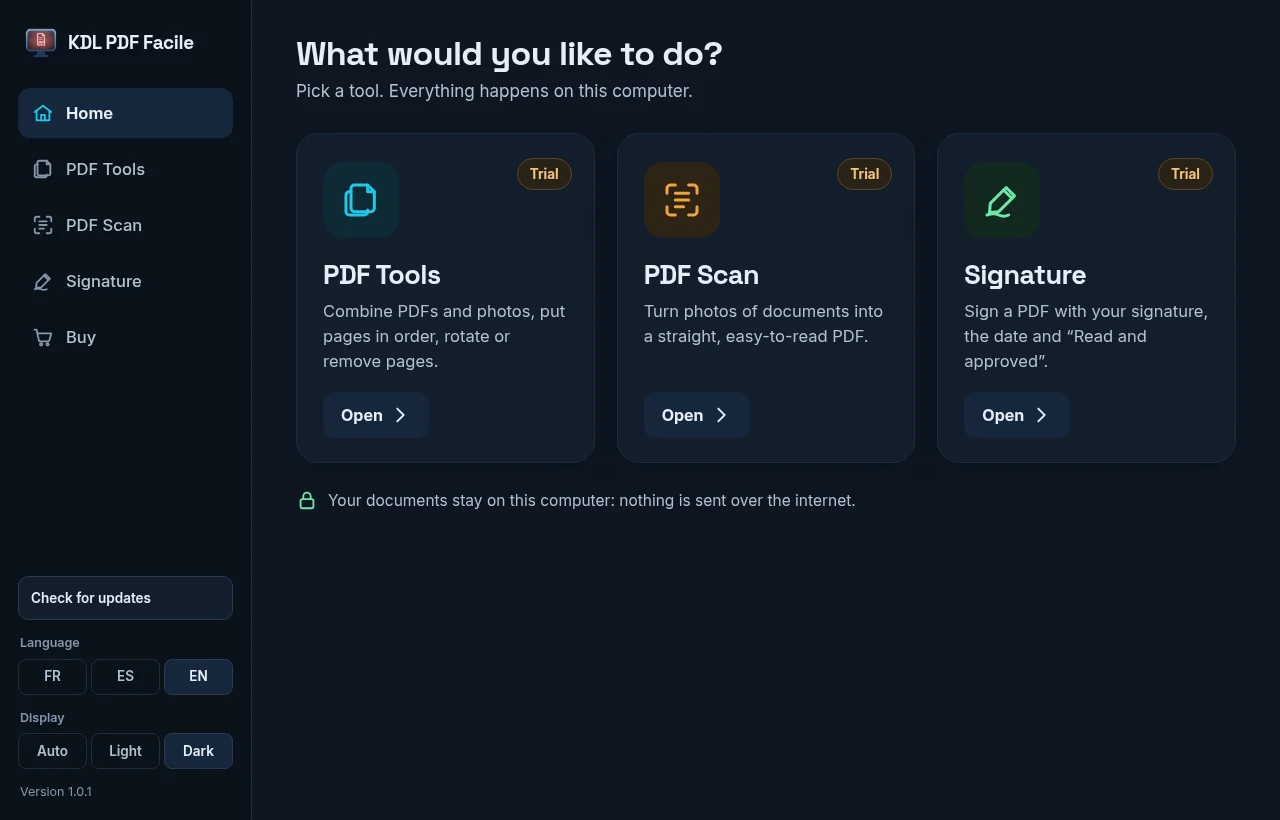
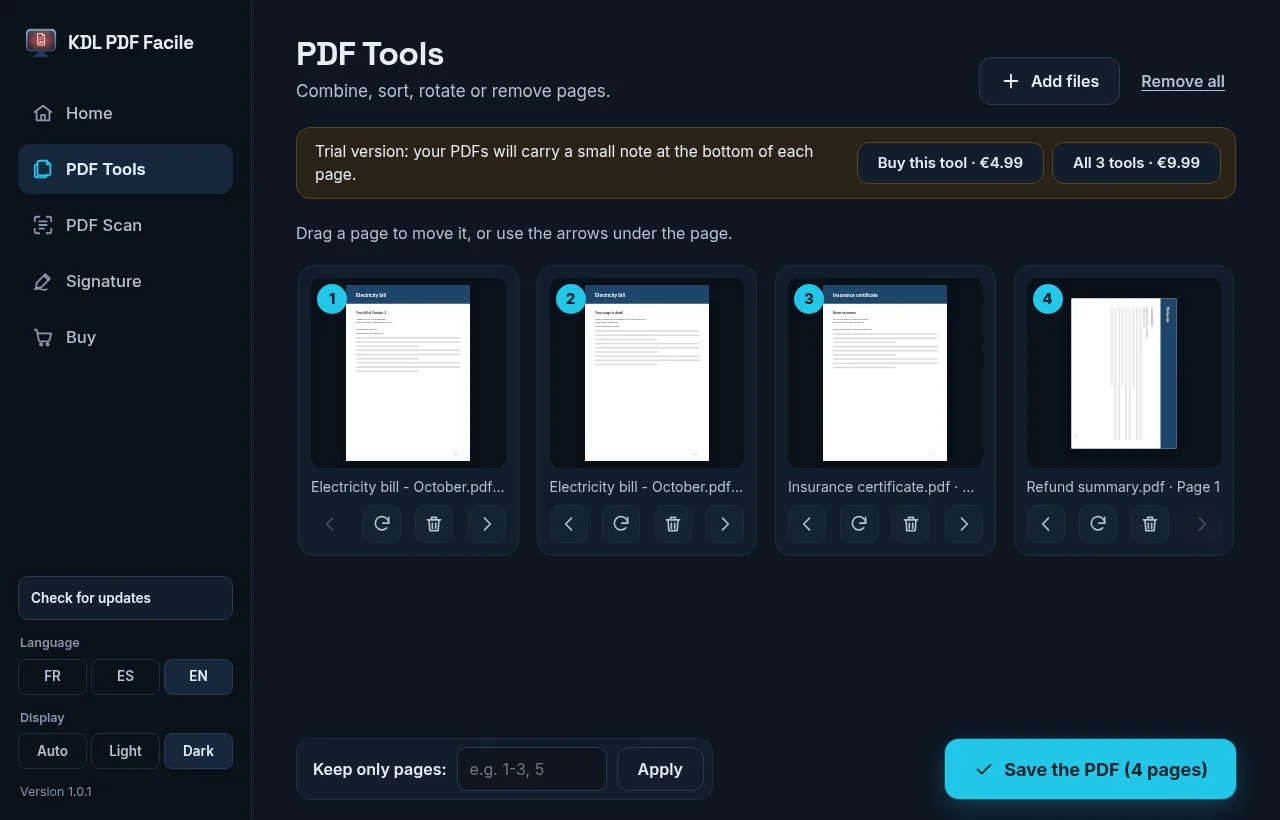
- No internet needed, in English, French and Spanish, light or dark theme
Trial / Tool purchased
| Trial | Tool purchased | |
|---|---|---|
| Every feature of the tool | Yes | Yes |
| “Trial version” note at the bottom of PDF pages | Yes | No |
| Works without internet | Yes | Yes |
| Updates | Yes | Yes |
| Licence for 3 computers (Windows, macOS, Linux) | — | Yes |
from€4.99per tool, once, up to 3 computers
BuyScreenshots
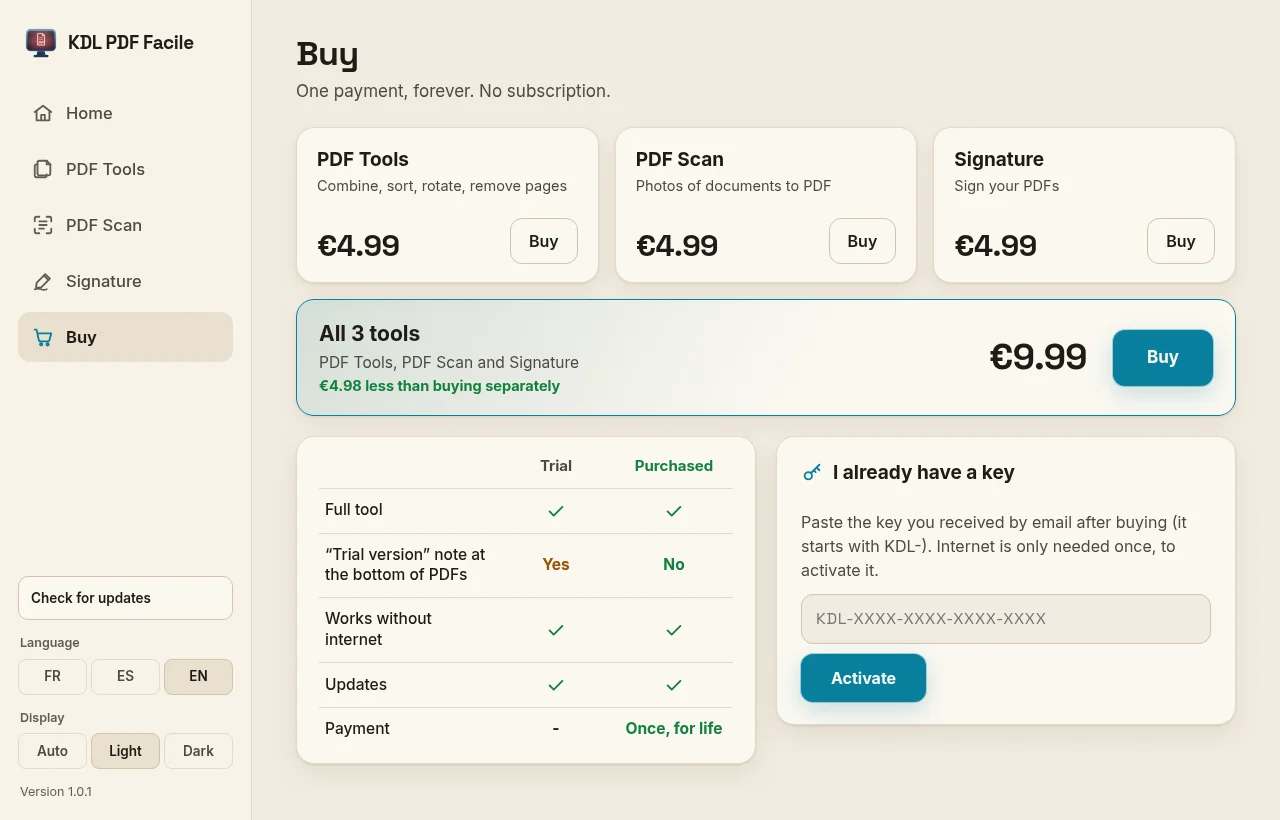
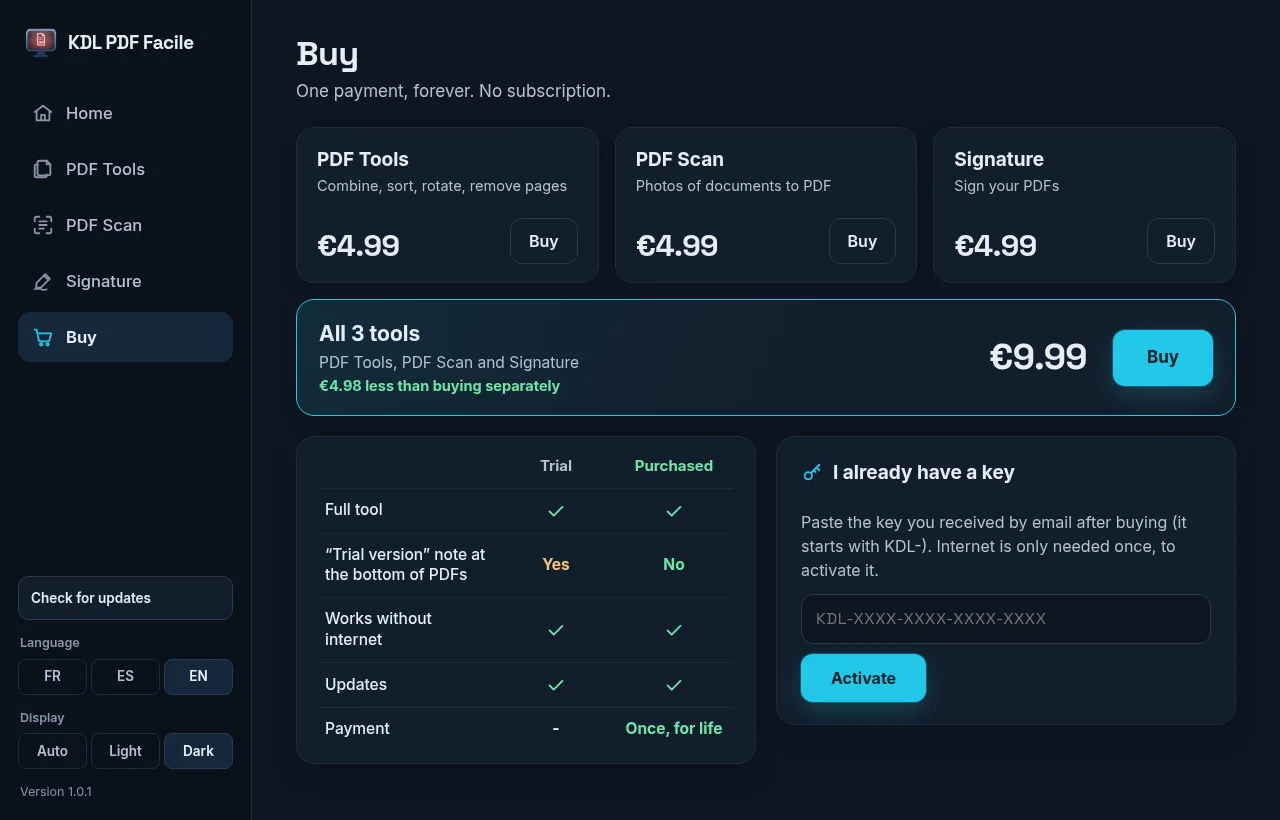
Buy
Each tool can be bought on its own, the pack unlocks all three. One payment, no subscription, for 3 computers. The key arrives by email.
Download
Full free trial. The key you buy activates in this same program and removes the “trial version” note from your PDFs.
Version 1.1.0
WindowsYour system
Windows 10 and 11.exe installer · 119.1 MBMacYour system
Mac with Apple chipM1, M2, M3, M4 · 121.0 MBMac with Intel processorModels before 2021 · 126.4 MBWhich Mac? Apple menu, “About This Mac”: a “Chip” line means Apple chip, a “Processor” line means Intel.
SHA-256 checksums
- KDL-PDF-Facile-1.1.0-Windows-Setup.exe
079ee3805019ca567d04fda090db7ae2b91d735162a262891b61f8914b27ede0 - KDL-PDF-Facile-1.1.0-Linux-amd64.deb
bdbdf75f3d9ee92181c9247f51f2b112390a8017d1732c3ee2a76037481b9f23 - KDL-PDF-Facile-1.1.0-Linux-x86_64.rpm
3e1f7e6dbece42ea08040ac96e3eae9bbbe4e69706cd4803e6810e1da2fe5749 - KDL-PDF-Facile-1.1.0-Linux-x64.pkg.tar.xz
678f13b37227a3339662bfbd2d180f32562341a14eab435872c8757e99298f25 - KDL-PDF-Facile-1.1.0-Linux-x86_64.AppImage
8e1f05423dbb35f0b8716c28edc87fa7f675edcf723ca84a72bc8c6efbd13d1e - KDL-PDF-Facile-1.1.0-Linux-x64.tar.gz
7b82c4e91ce7d53b511adb6a84da2fa9576e382e25a8a811c2fb7dcb7c48ec99 - KDL-PDF-Facile-1.1.0-macOS-x64.dmg
6139ebd7035f52d0d43bea24db577a210b51819d5b932bb8a191d91eb7392329 - KDL-PDF-Facile-1.1.0-macOS-arm64.dmg
2fd1347057f771052ee0e036d662120199d96e991b91e6a855809a07ec201880
Questions
- Do my documents go over the internet?
- No. Everything happens on your computer. The program only connects to activate a key and to check for updates.
- What does buying change?
- The features are the same. Without a key, every PDF made by the tool carries a small note at the bottom of each page: “KDL PDF Facile · version d'essai · kdl-tech.fr”. The key for the tool you bought removes it.
- Do I have to buy all three tools?
- No. Each tool can be bought on its own for €4.99. The €9.99 pack unlocks all three. You pay once, no subscription, for up to 3 computers.
- How do I activate my key?
- You receive it by email after payment. In the program, open “Buy”, paste the key under “I already have a key” and click “Activate”. Internet is needed only once, for activation.
- Is my original file changed?
- Never. The result is saved as a new file, for example “contract - signed.pdf”.
- Are iPhone photos (HEIC) supported?
- Not yet. On the iPhone, go to Settings > Camera > Formats > “Most Compatible”: new photos will be saved as JPG.
- Is there a Mac version?
- Yes: one .dmg file for Macs with an Apple chip and another for Intel Macs, macOS 12 or later. The program also runs on Windows 10 and 11 and on Linux.