
Software / KDL Photos
 KDL Photos
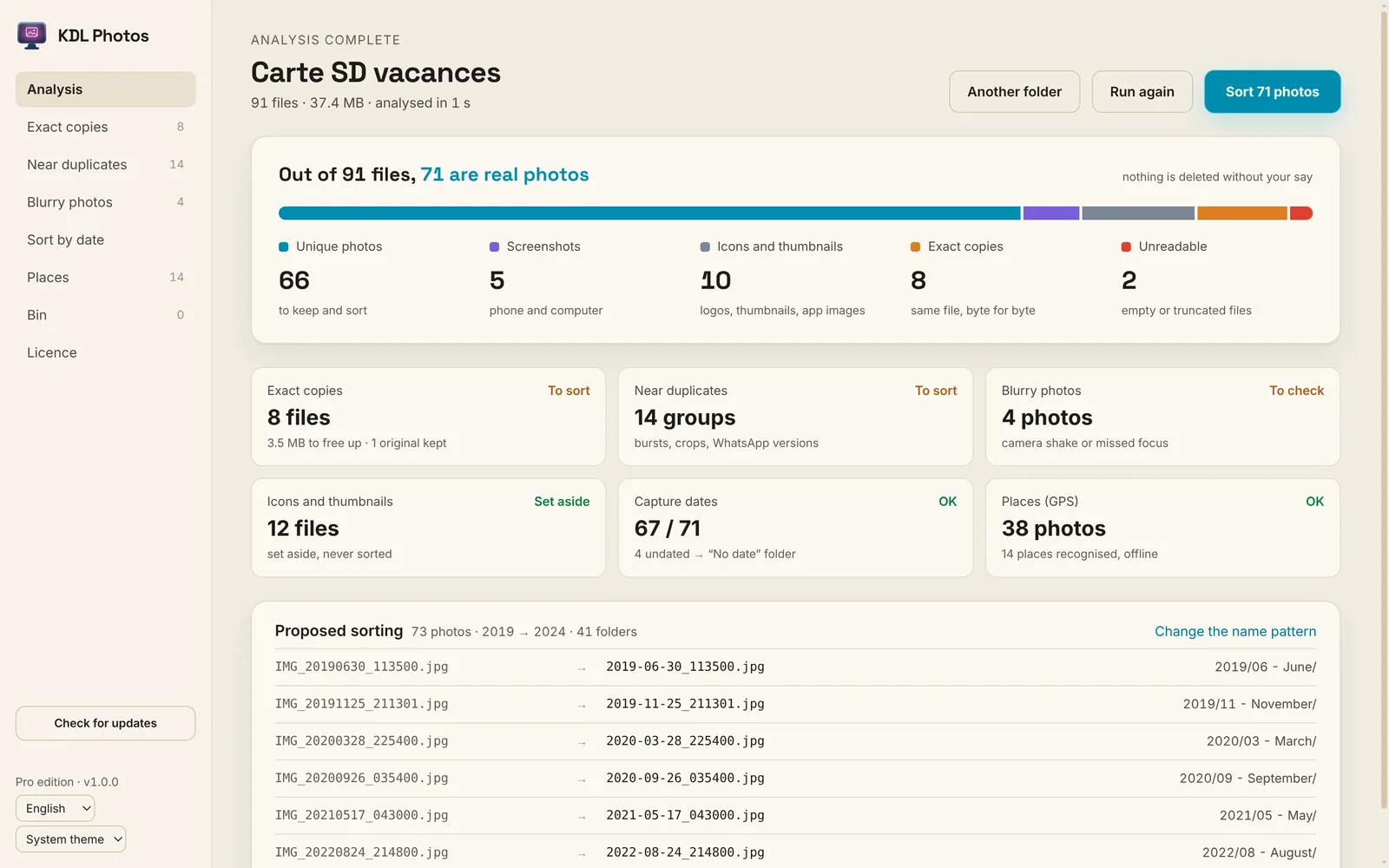
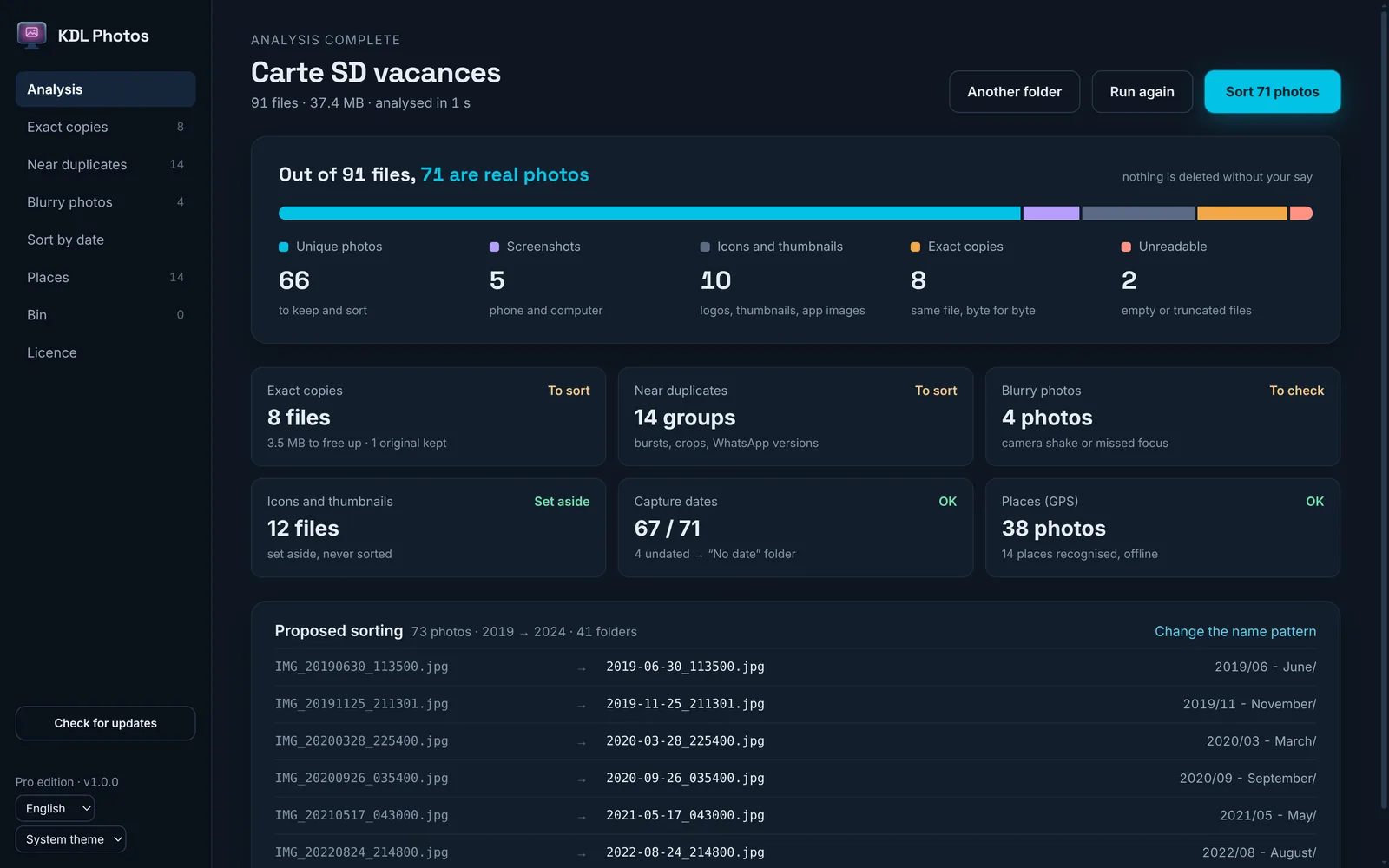
Pick a folder. KDL Photos separates real photos from screenshots, icons and damaged files, shows the copies and the failed shots, then sorts what is left by date into a new folder.
What it does
- Exact copies found byte for byte, one original kept
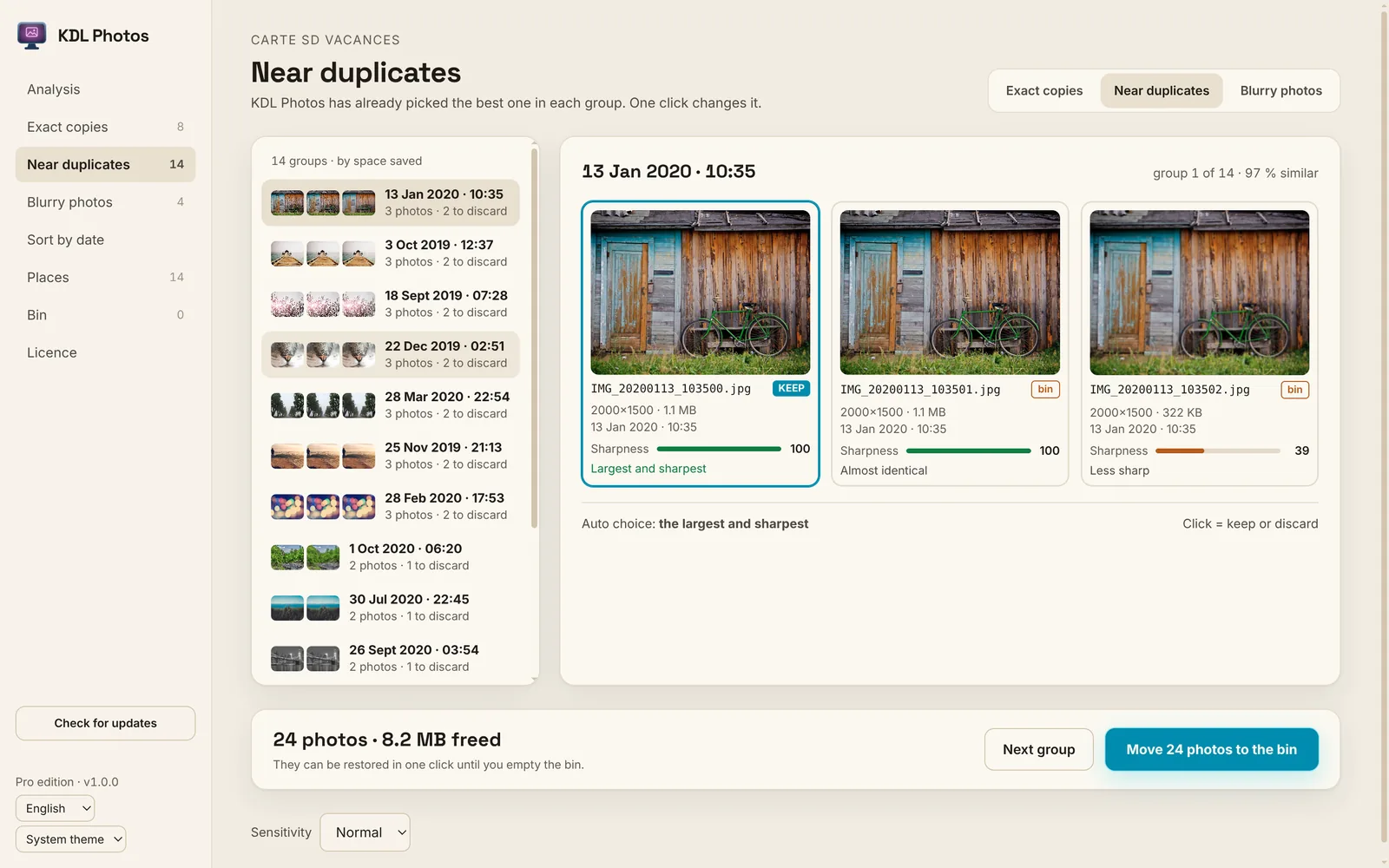
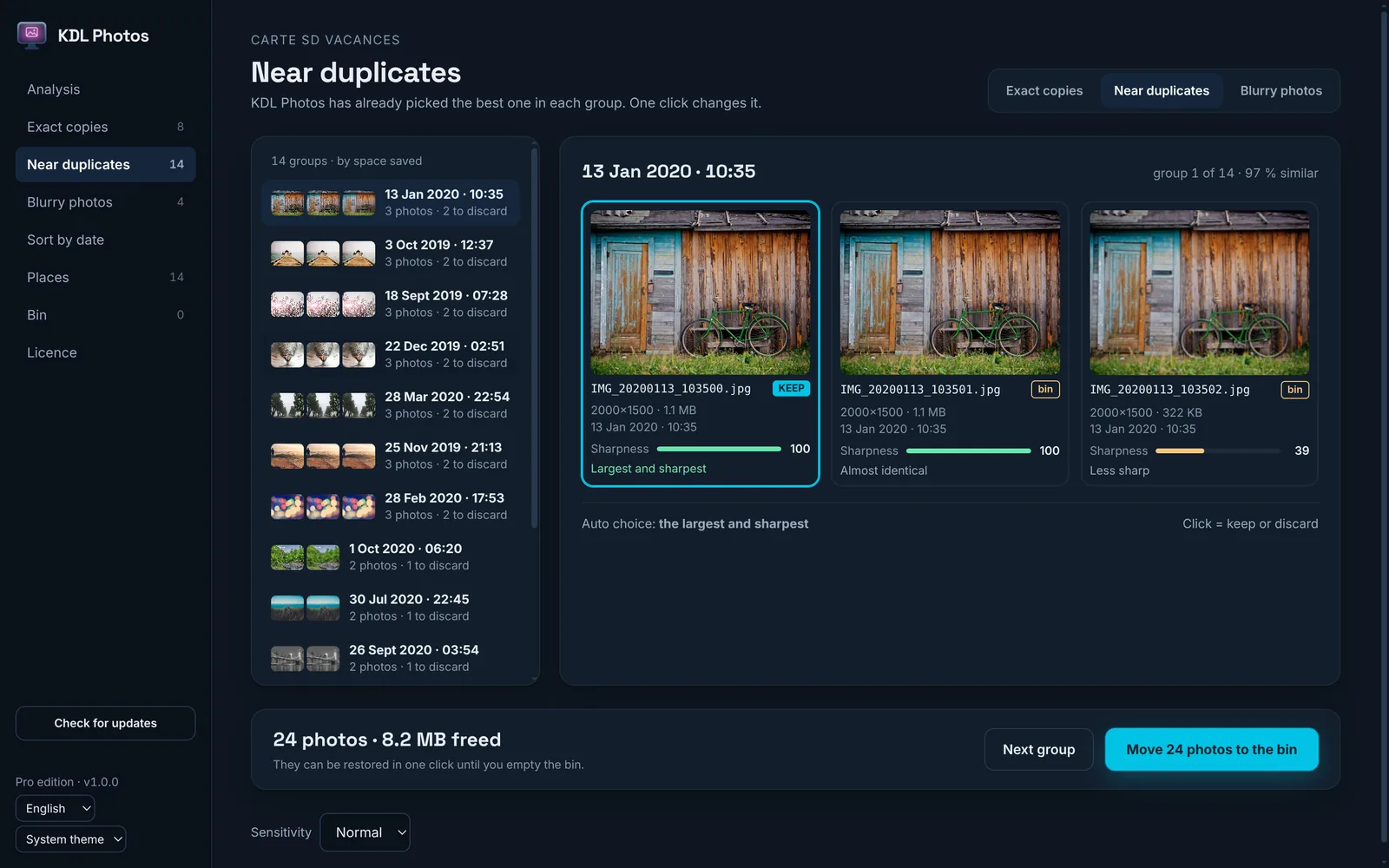
- Bursts, crops and WhatsApp versions grouped, best shot picked
- Blurry photos flagged, to check before discarding
- Year / month folders, files renamed with the capture date
- Nearest town for each photo, found offline
- Originals are never modified: photos are copied
- Built-in bin: a discarded file goes back in one click
Free or Pro
| Free version | Pro version | |
|---|---|---|
| Full analysis, no limit on the number of files | Yes | Yes |
| Exact copies moved to the bin | 100 per folder | Yes |
| Sorting by year and month | 100 photos | Yes |
| Near duplicates and best shot picked | — | Yes |
| Blurry photos | — | Yes |
| Where each photo was taken, offline | — | Yes |
| Names with date + place or date + original name | — | Yes |
| Licence for 3 computers (Windows, macOS, Linux) | — | Yes |
€19.90once, up to 3 computers
BuyScreenshots
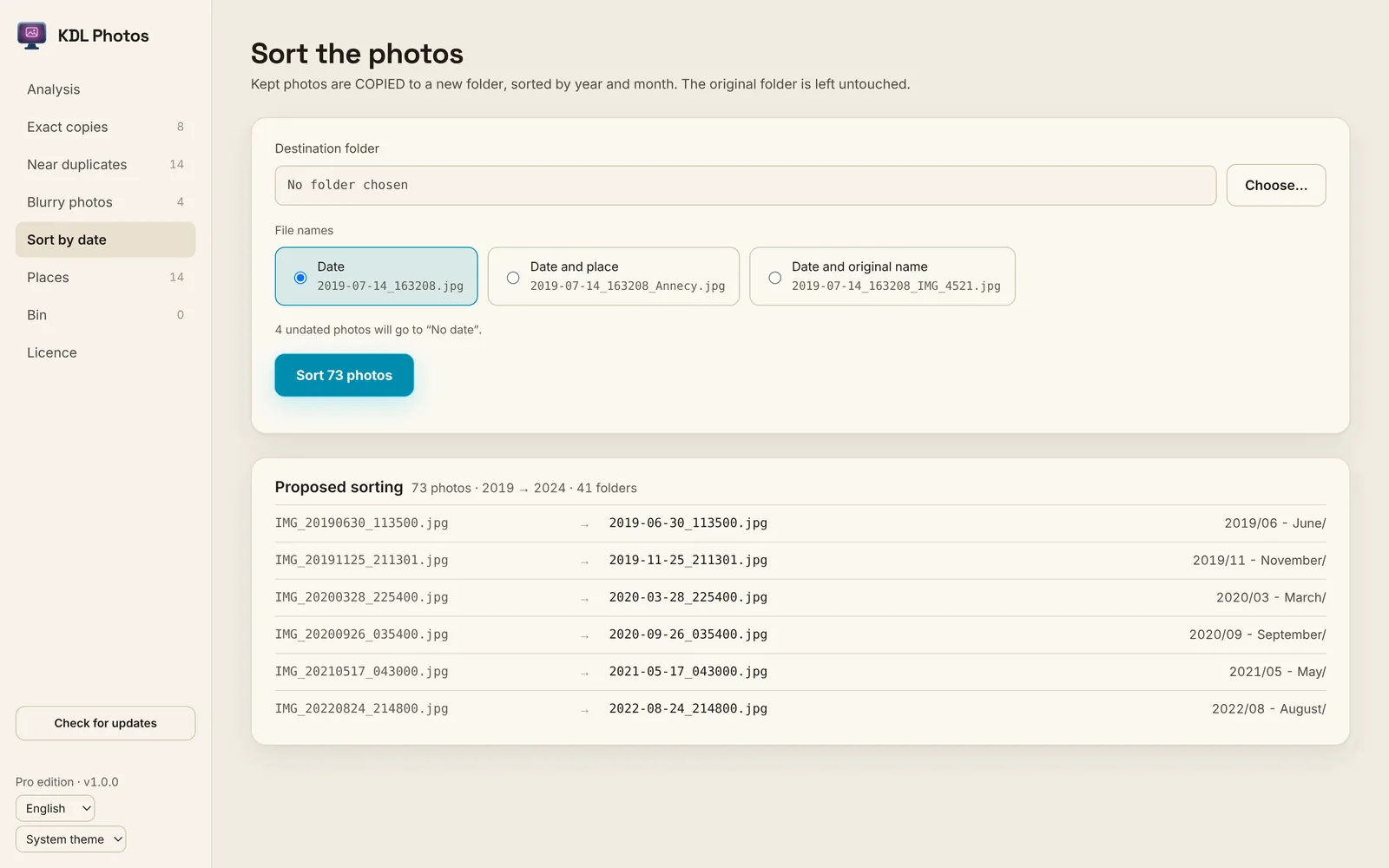
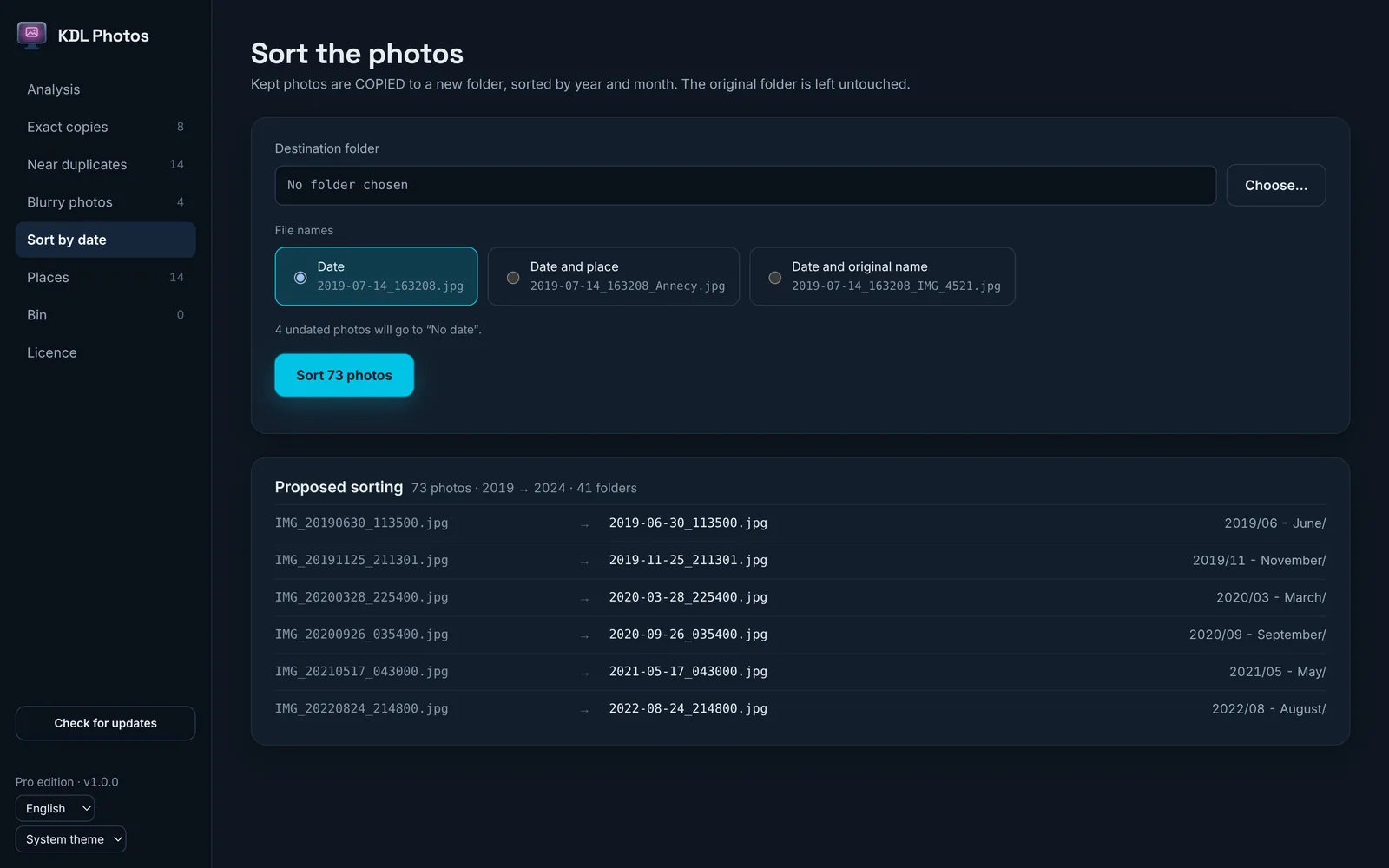
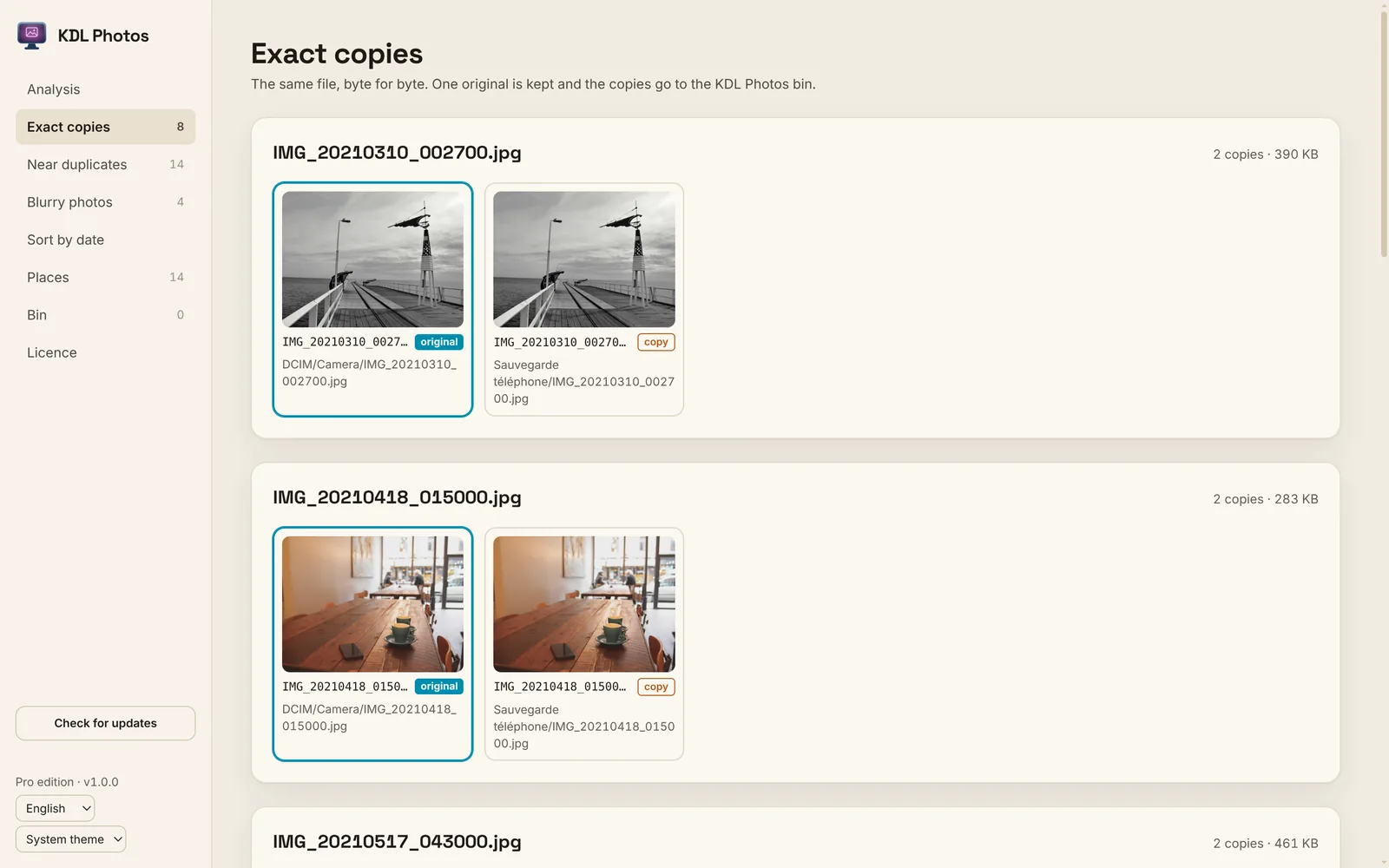
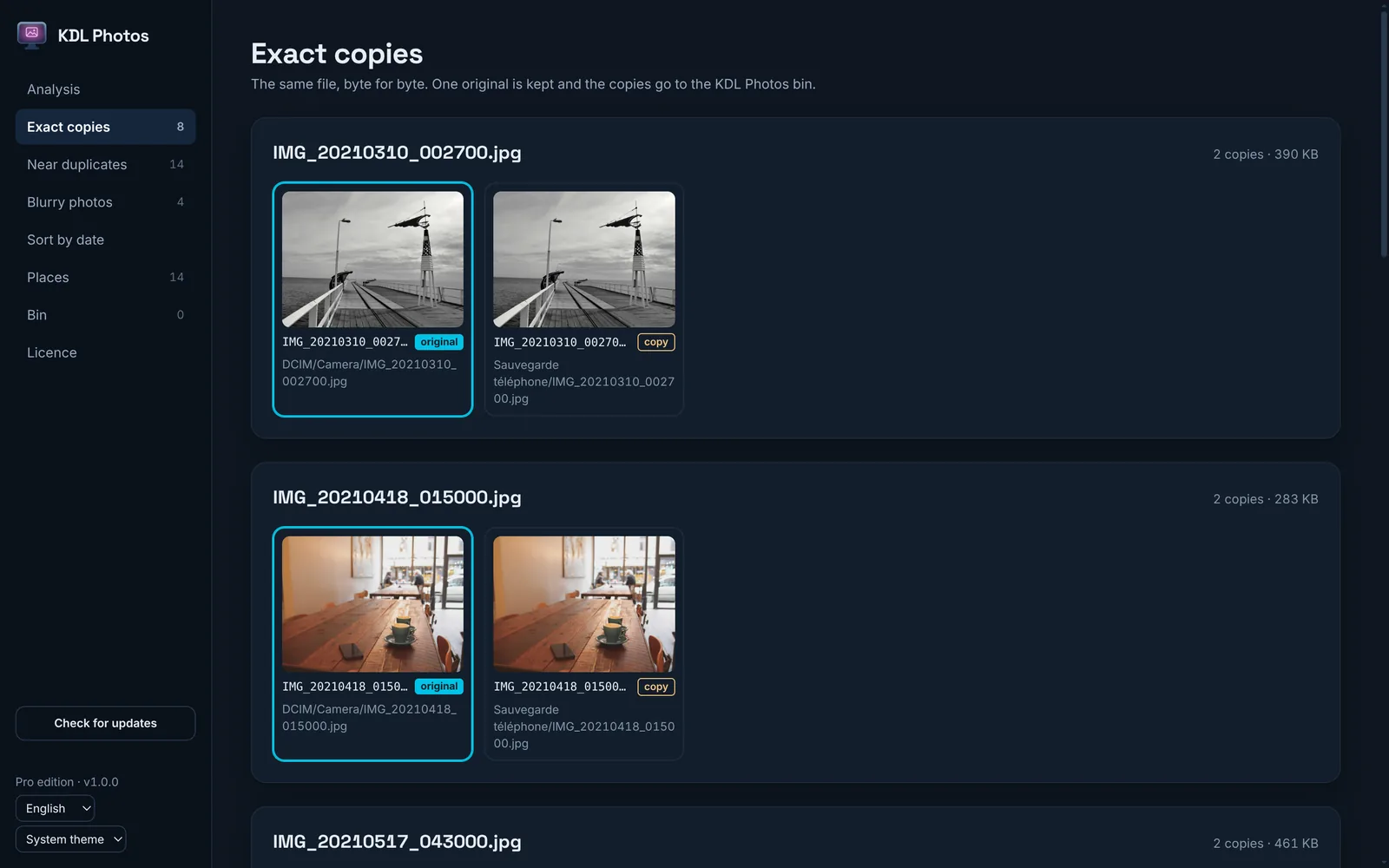
Download
Free version. If you buy a Pro key, it activates in this same app.
Version 1.0.0
WindowsYour system
Windows 10 and 11.exe installer · 116.9 MBMacYour system
Mac with Apple chipM1, M2, M3, M4 · 129.0 MBMac with Intel processorModels before 2021 · 135.8 MBWhich Mac? Apple menu, “About This Mac”: a “Chip” line means Apple chip, a “Processor” line means Intel.
SHA-256 checksums
- KDL-Photos-1.0.0-Linux-amd64.deb
4ba8177ad002a8859cd0f0b018a4807c5349ef309e9629a41de34d4f5faa554f - KDL-Photos-1.0.0-Linux-x64.tar.gz
8b54e491124783f745470a92e2da8581ed78e1363282f060efa6a0c6554de00f - KDL-Photos-1.0.0-Linux-x86_64.AppImage
1491b7433728b8edd960ee5d53370f397993cf753878fdb32f10fa41062eba73 - KDL-Photos-1.0.0-Windows-Setup.exe
77eeef4fb34e6e814b71c482bfa5e697874a435629bfa8b44a8758f2a0c7ff5d - KDL-Photos-1.0.0-macOS-arm64.dmg
4261478744b218f7a408dad09cf1d61369e89c62187416aa590d23065ce4a126 - KDL-Photos-1.0.0-macOS-x64.dmg
c3ce974965be6bba7958c23f1efa9ef57df9c300d05acd995ea4afa944ddad1d
Questions
- Are my original photos changed?
- No. Sorting copies the photos into a new folder. A discarded file is moved to a built-in bin and goes back in one click. Only the “Empty bin” button deletes, after a confirmation.
- Do I need an Internet connection?
- No. Analysis, place names and sorting all run on the computer. Internet is only used to activate the Pro licence and to check for updates.
- Is the Pro edition a subscription?
- No. You buy it once, €19.90, and the licence is valid for life on up to 3 computers, on Windows, macOS or Linux.
- Which formats are supported?
- JPEG, PNG, WebP, AVIF, GIF, BMP, TIFF and HEIC. TIFF and HEIC photos are sorted by date but skip near-duplicate and blur detection. Videos are ignored.