
What it does
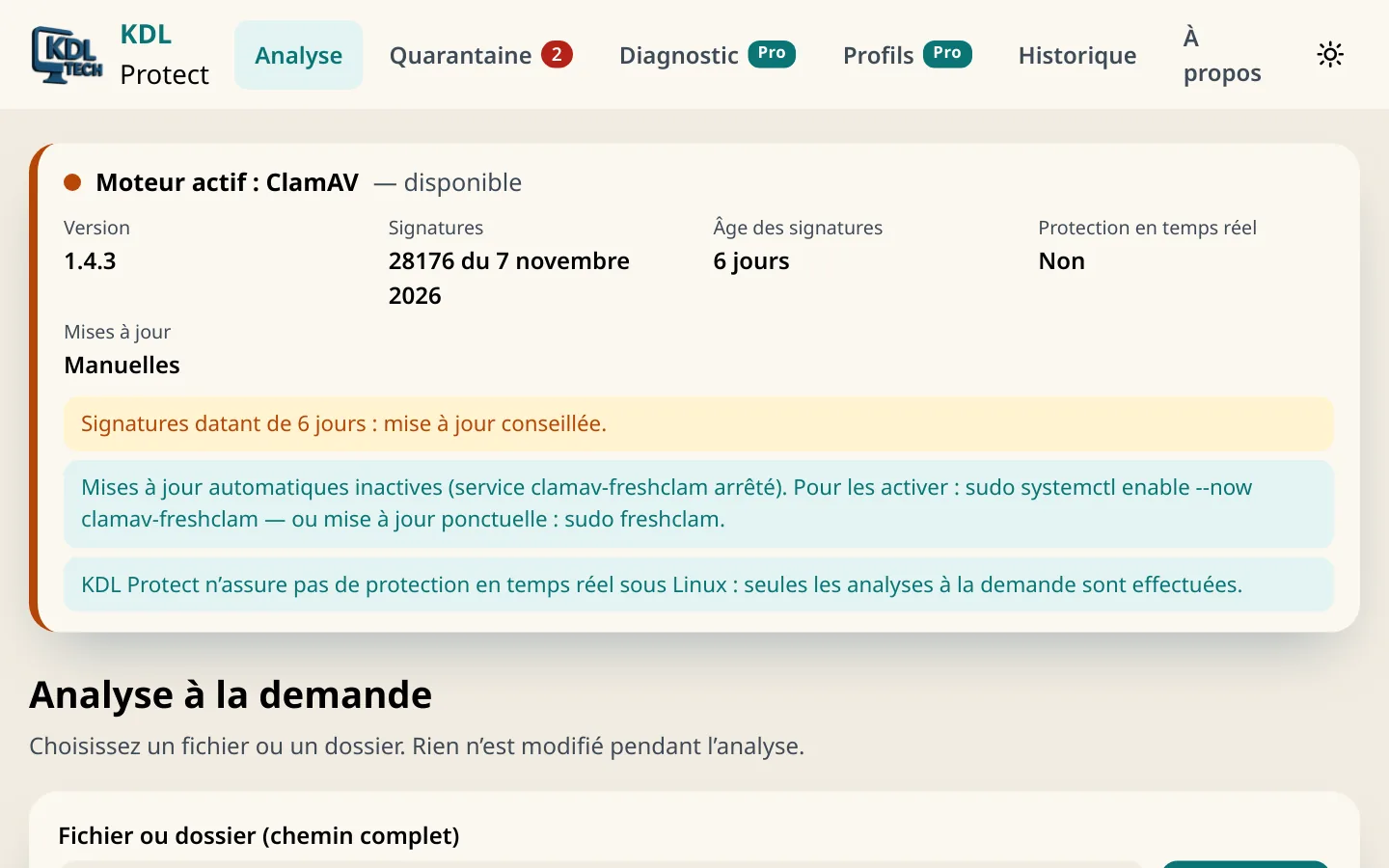
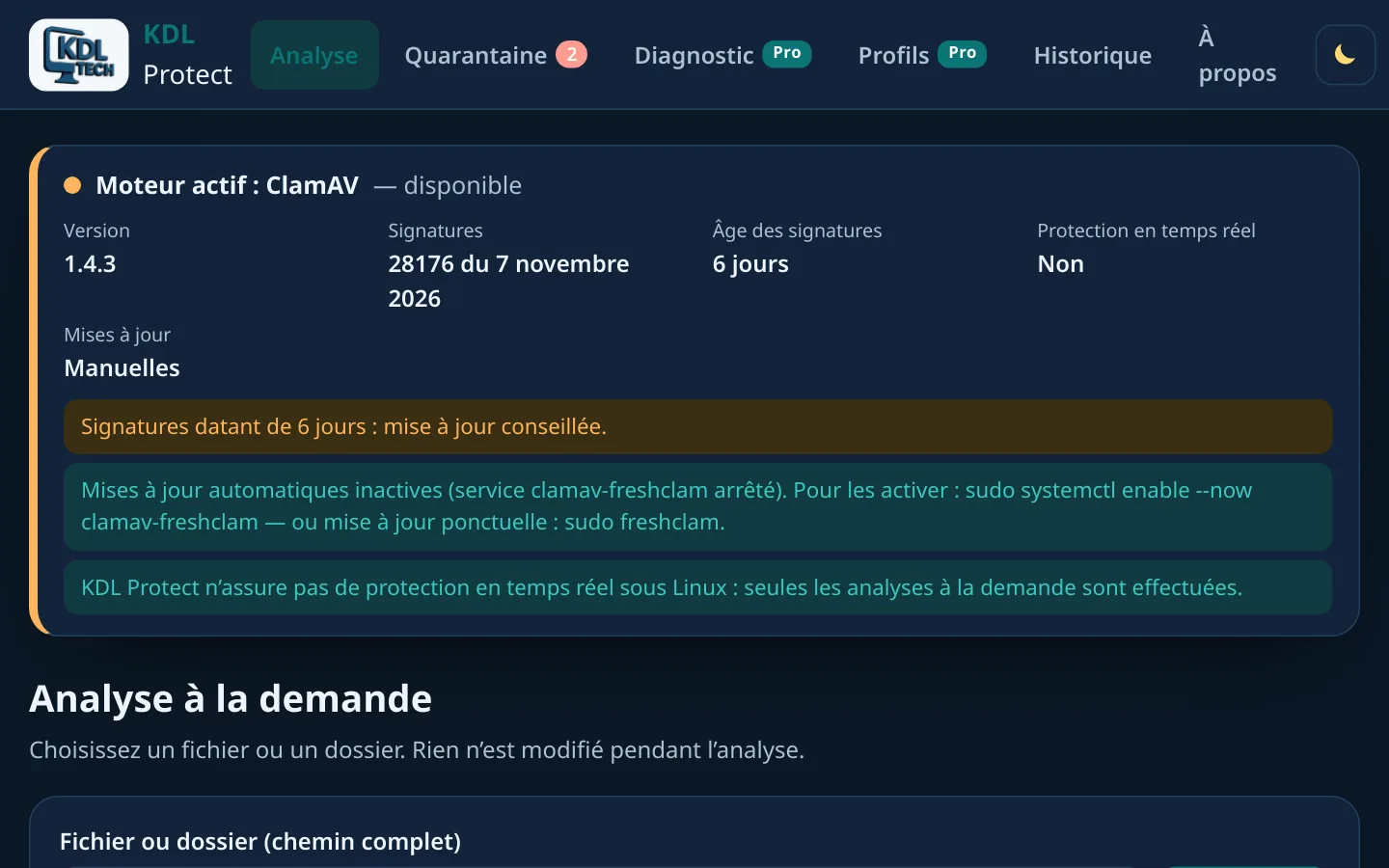
- On-demand scan of a file or a folder
- Engine, version and signature age shown
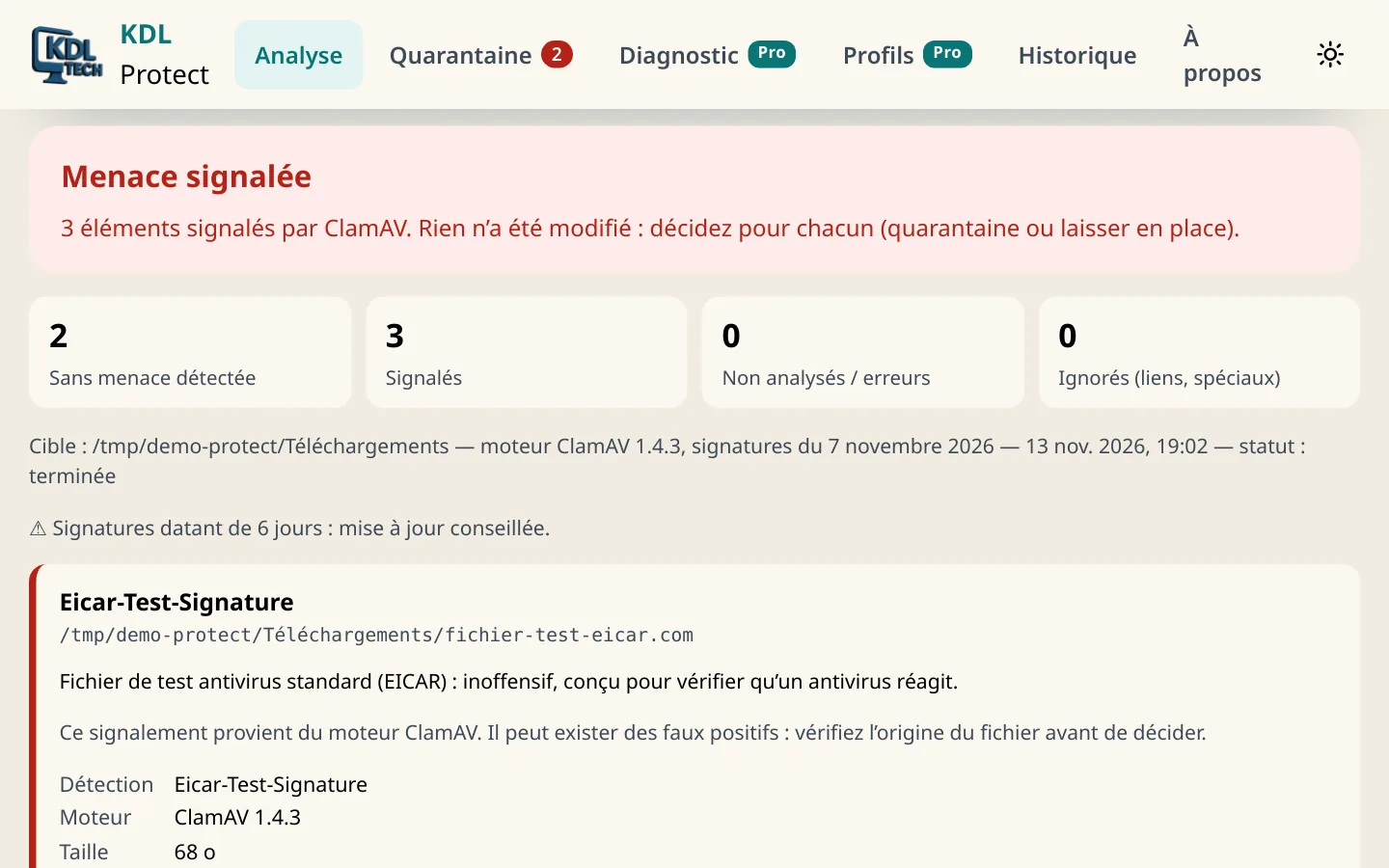
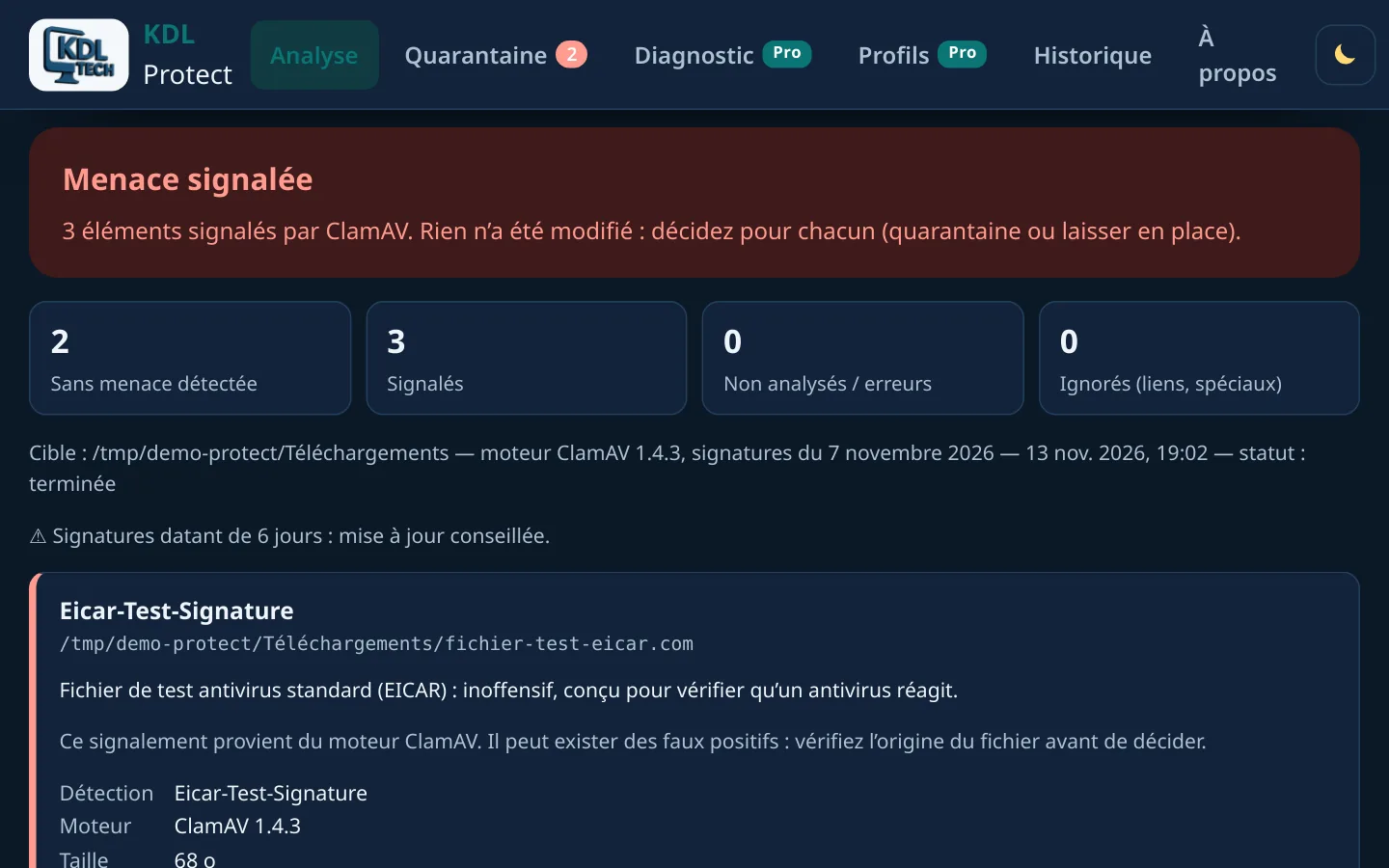
- The result says “no threat detected by the engine”, never “safe file”
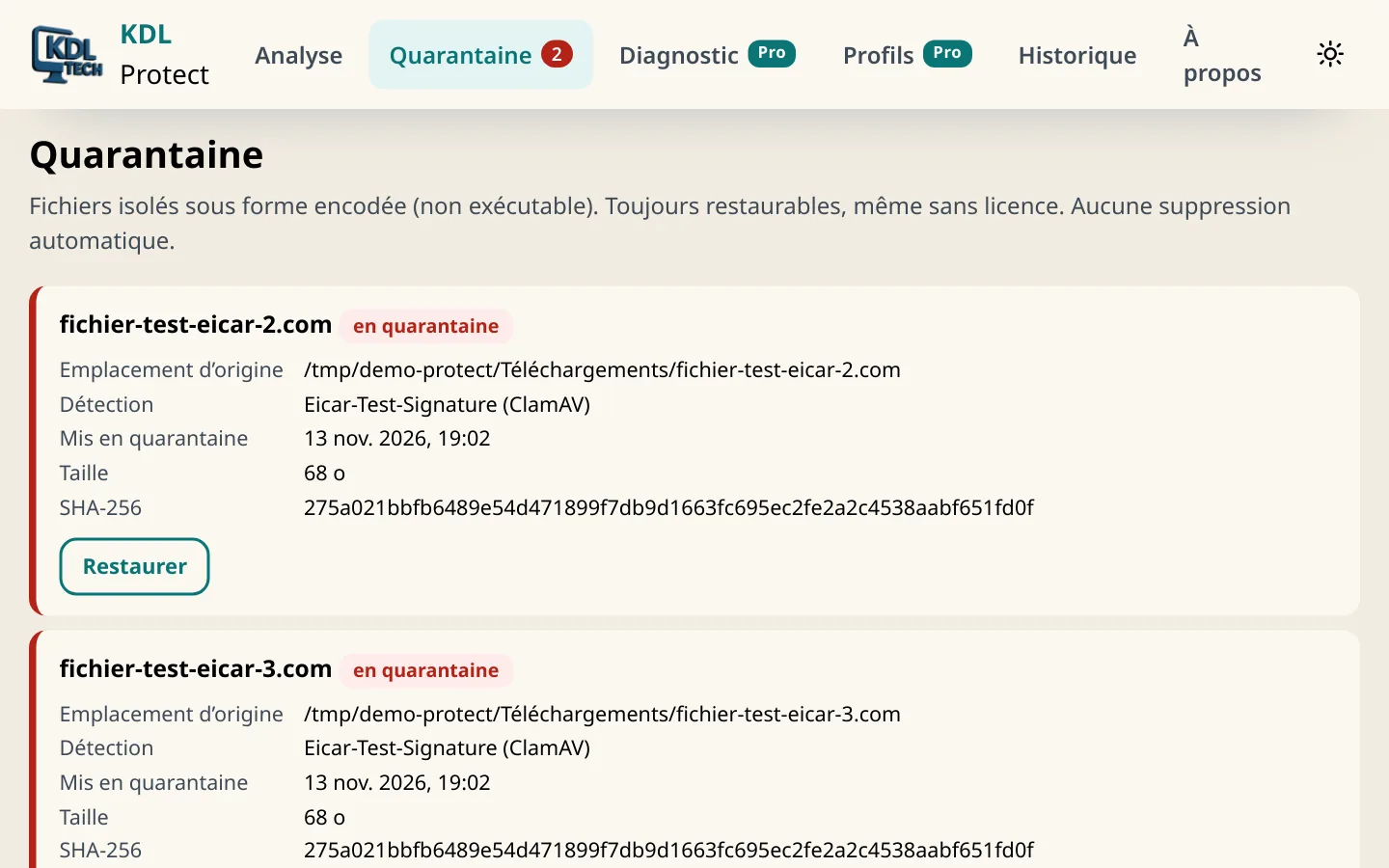
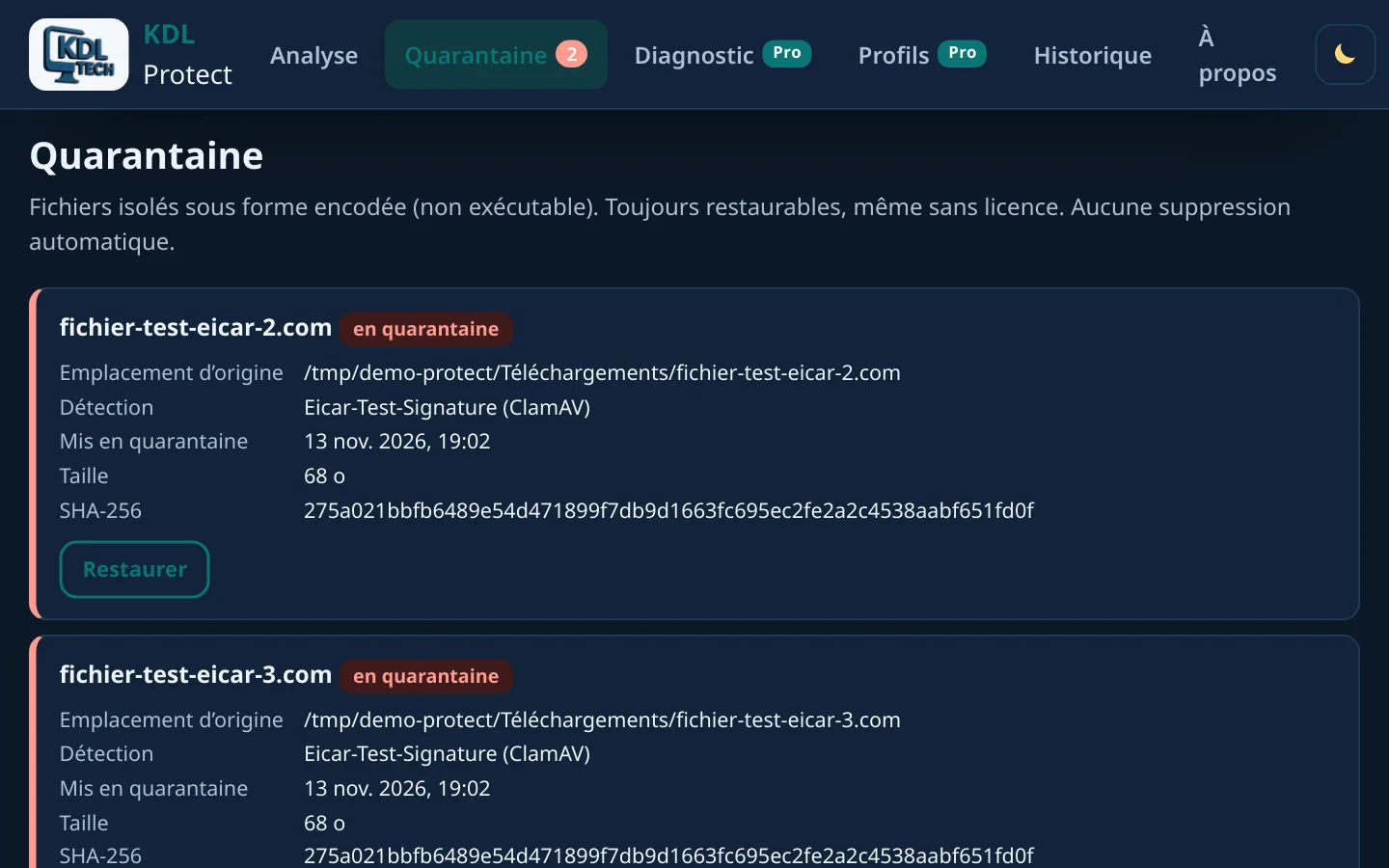
- Verified quarantine, restore without overwriting anything
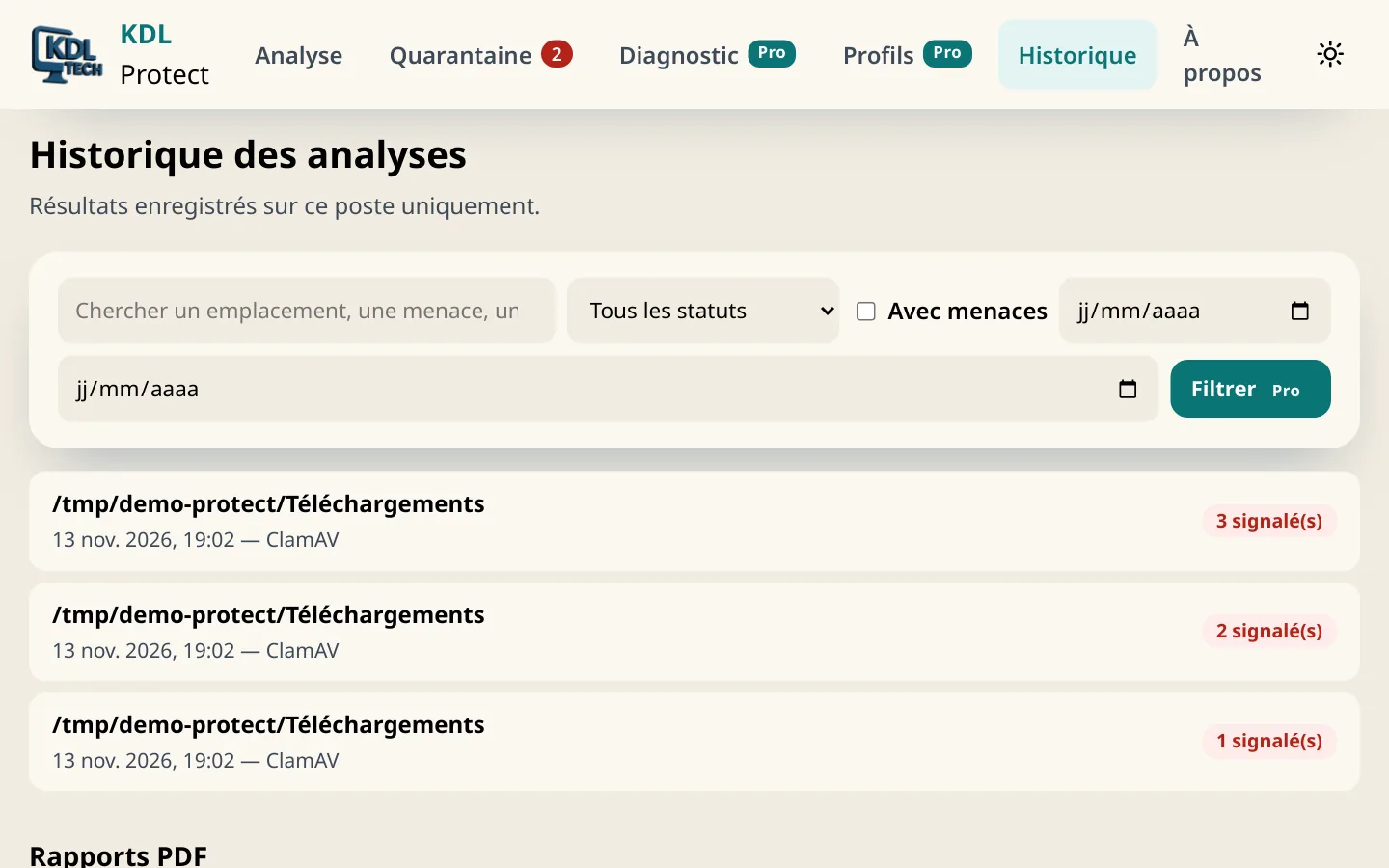
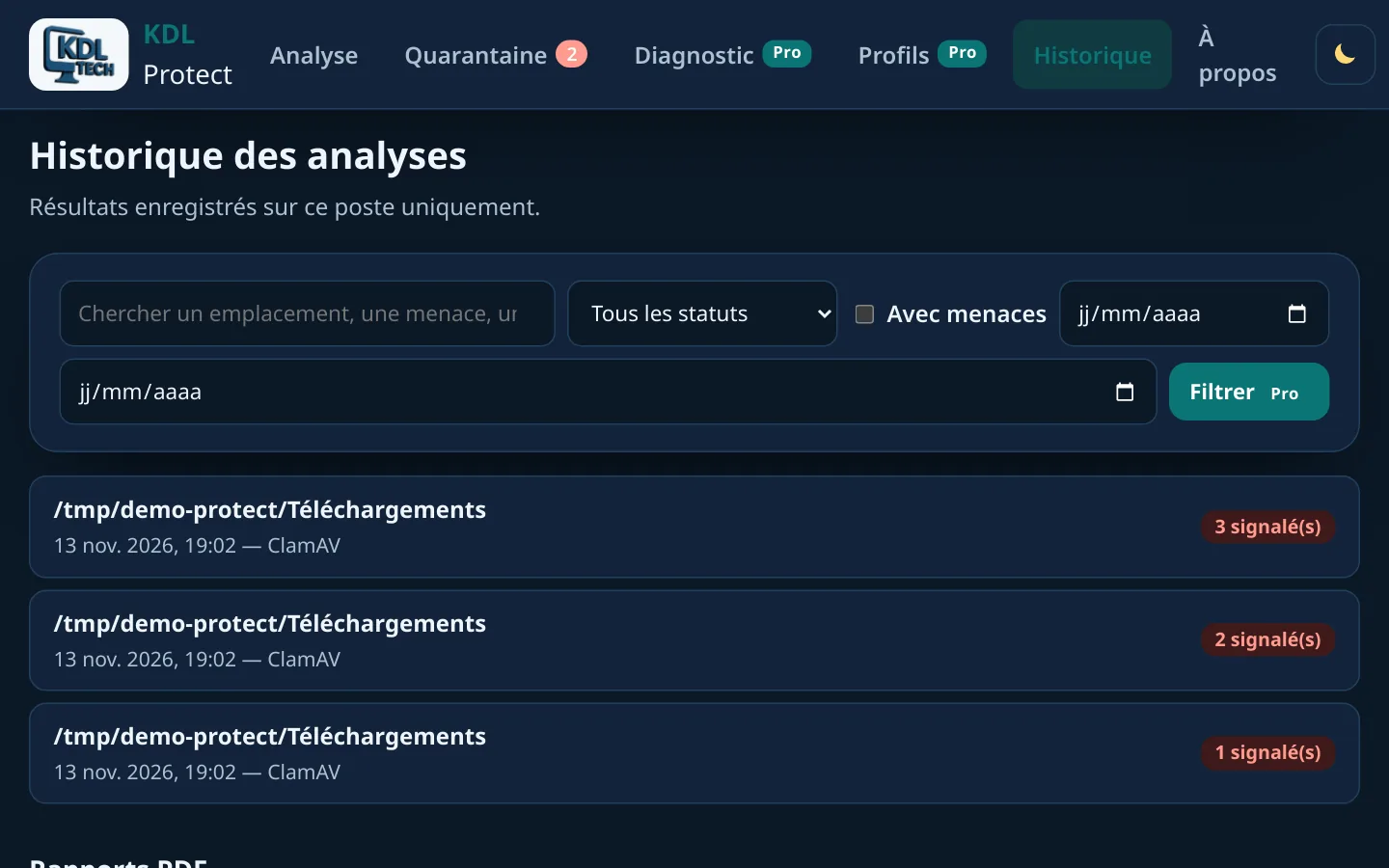
- History and log kept on your computer, no telemetry
- Portable version for a USB stick (Windows)
Screenshots
Download
Free, no account.
Version 0.7.1
WindowsYour system
Windows 10 and 11.exe installer · 24.3 MBPortable versionNo installation · 34.0 MBLinuxYour system
Ubuntu, Debian, Mint.deb package · 29.1 MBThe Windows files are not code-signed yet: the first time you run them, Windows SmartScreen may show a warning.
SHA-256 checksums
- KDL-Protect-Setup-0.7.1.exe
29c17aa56082184d5dee6f9a814d6bd312c92a4be299c91a5d0b520a111b2270 - KDL-Protect-Portable-0.7.1.zip
500e15cb6914d5cd0ea726fd1b39e6f81e65b11467e62d2b9dc3bdaff3335f03 - kdl-protect_0.7.1_amd64.deb
7113d0353416aa701fb73ca1e3fdf1c3722196ba27dfa663edb204724554c137
Questions
- Is KDL Protect an antivirus?
- No. It drives the antivirus already installed: Microsoft Defender on Windows, ClamAV on Linux. It gives no real-time protection; on Windows, Defender keeps doing that.
- Does “no threat detected” mean my file is safe?
- No. It means the engine recognised no known threat with its current signatures.
- What do I need on Linux?
- ClamAV, from your distribution: sudo apt install clamav clamav-freshclam.