Software / KDL Transcription
 KDL Transcription
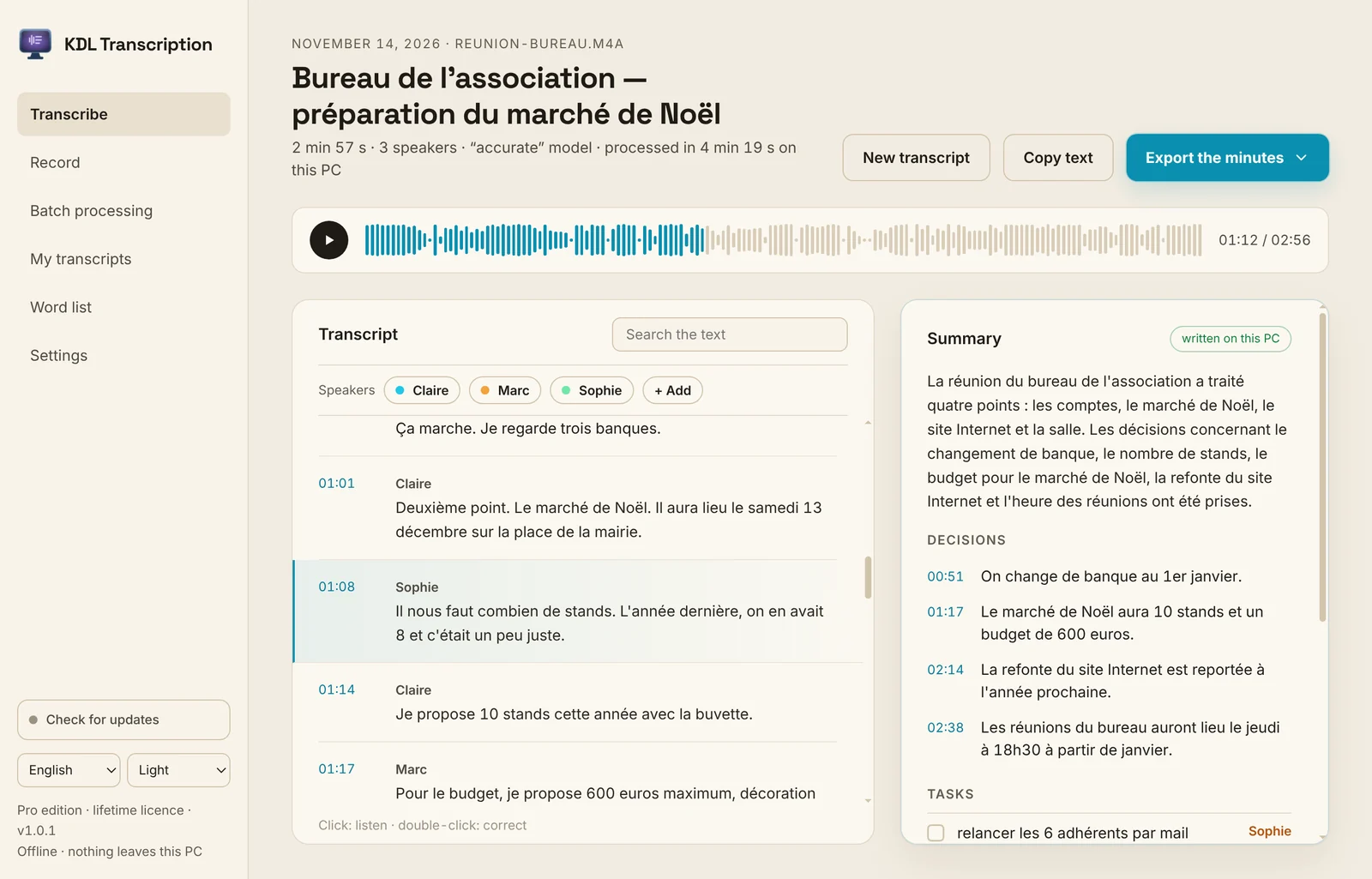
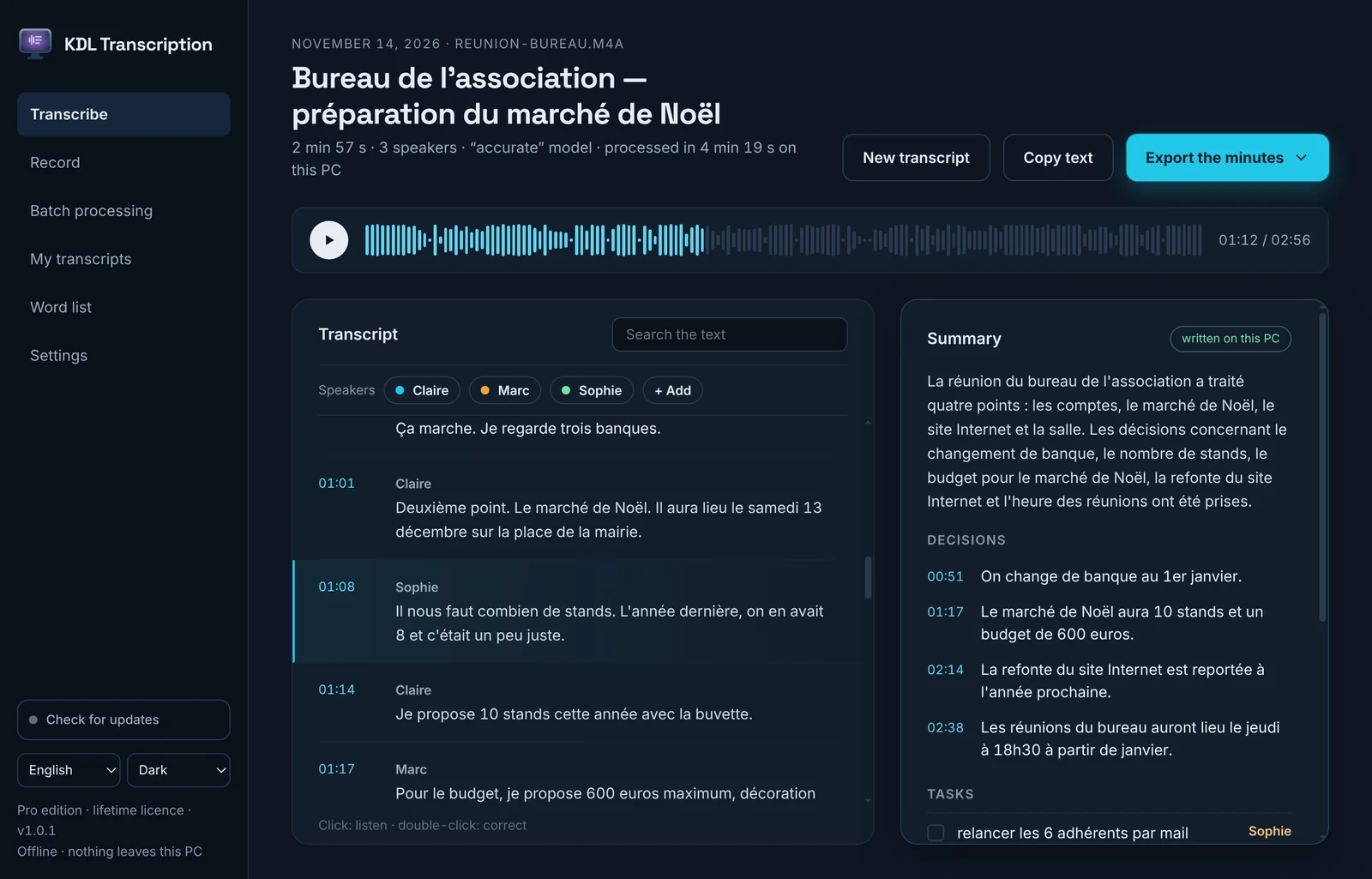
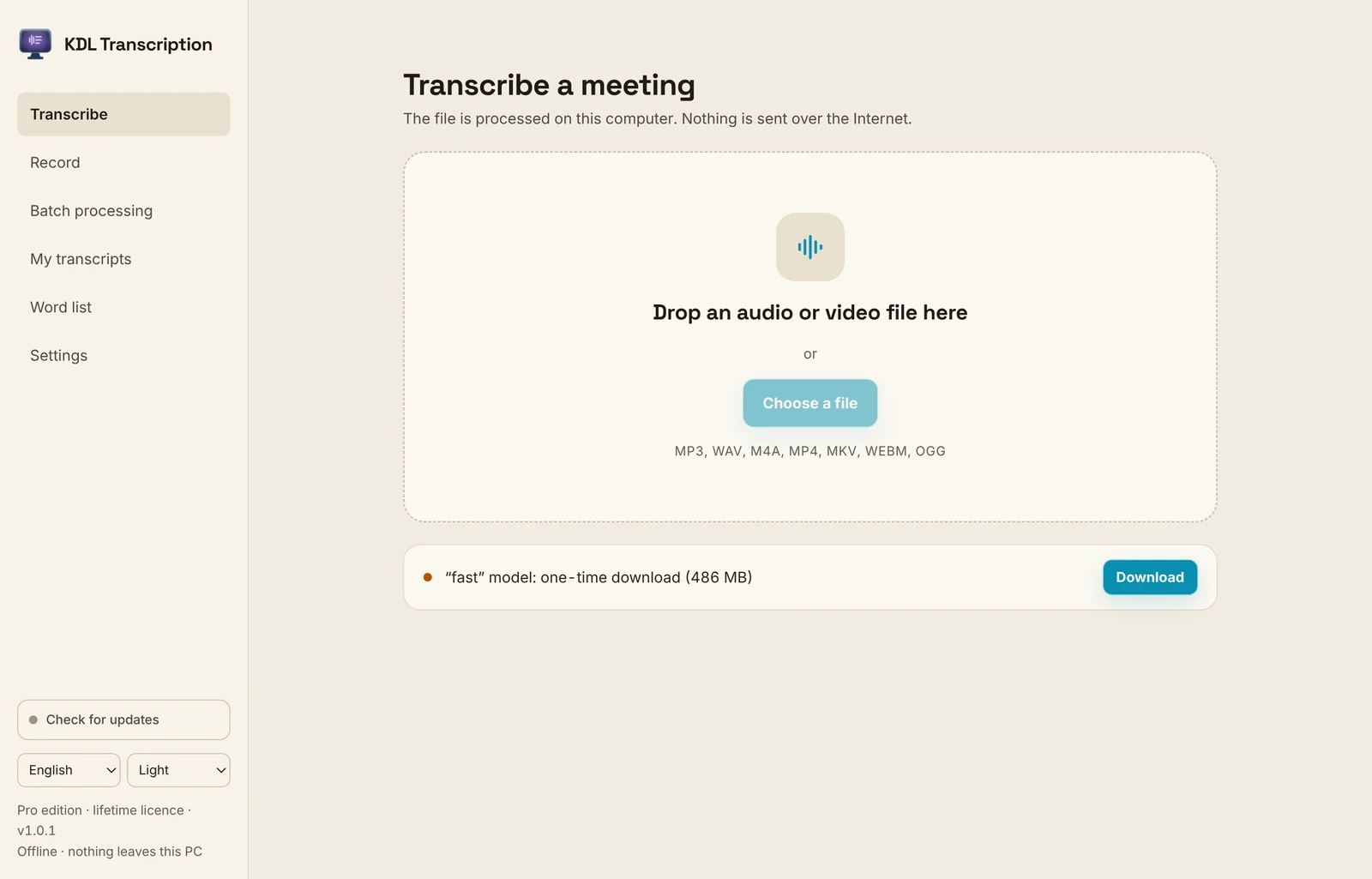
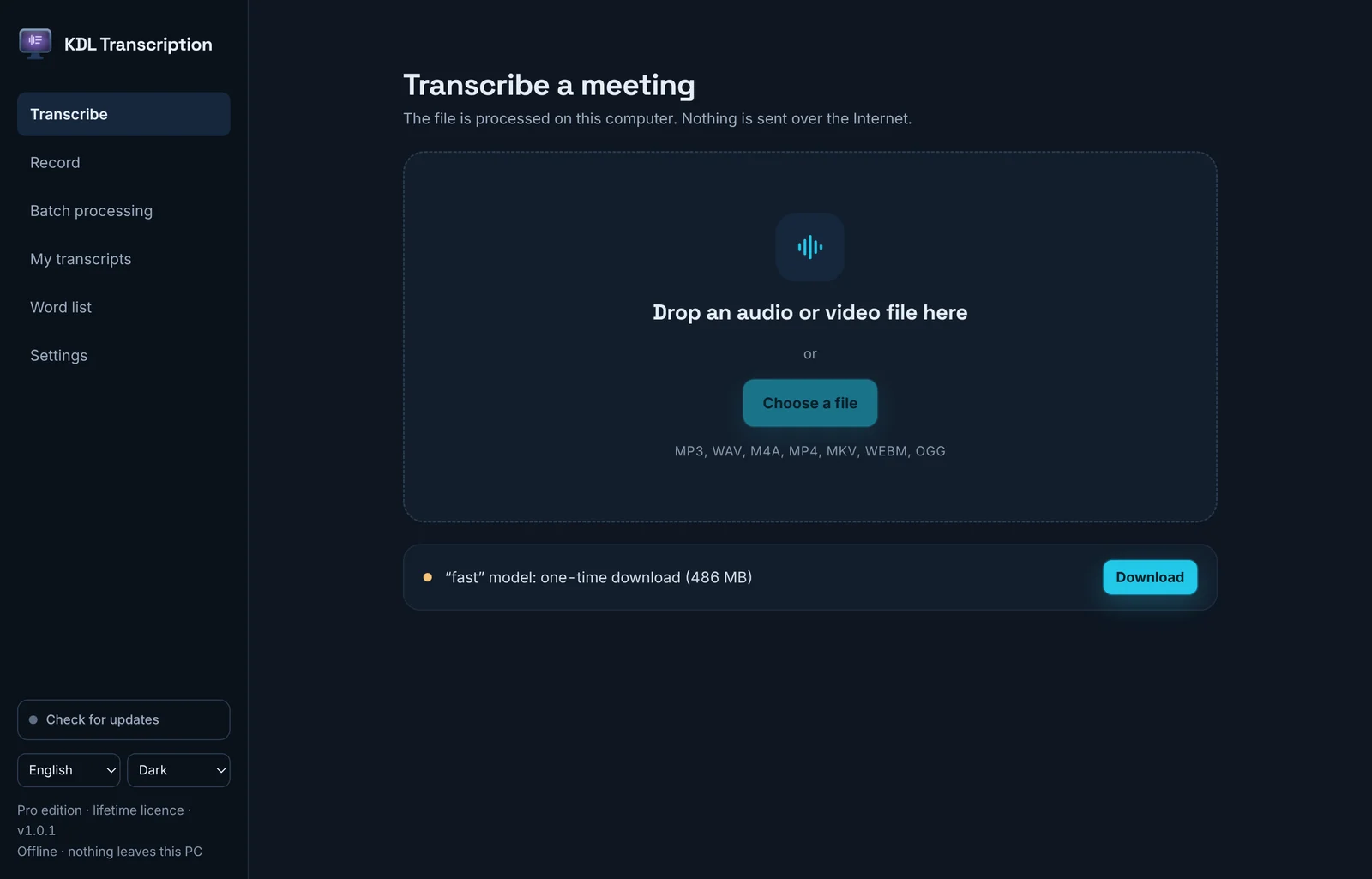
Give it the recording of a meeting or an interview. You get the text, with the time of each sentence. The Pro edition adds a summary, the decisions taken and who has to do what. Everything is computed on your computer: the recording is not sent anywhere.
What it does
- Audio and video files: MP3, WAV, M4A, MP4, MKV, WebM, OGG, FLAC, MOV
- Record straight from the microphone
- Timestamped text: click to replay a sentence, double-click to fix it
- Search in the text
- TXT and SRT (subtitles) export
- Language of the recording detected automatically, or chosen
- Models downloaded once, then everything works offline
Free or Pro
| Free version | Pro version | |
|---|---|---|
| Timestamped transcript (audio, video or microphone) | Yes | Yes |
| TXT and SRT export, copy, search | Yes | Yes |
| “Accurate” model (slower, fewer mistakes) | — | Yes |
| Summary, decisions and tasks (who, when) | — | Yes |
| Speakers you can name | — | Yes |
| Word and PDF minutes | — | Yes |
| Word list: your names and acronyms | — | Yes |
| Several files in a row (up to 200) | — | Yes |
| Licence for 3 computers (Windows, macOS, Linux) | — | Yes |
€39.00once, up to 3 computers
BuyScreenshots
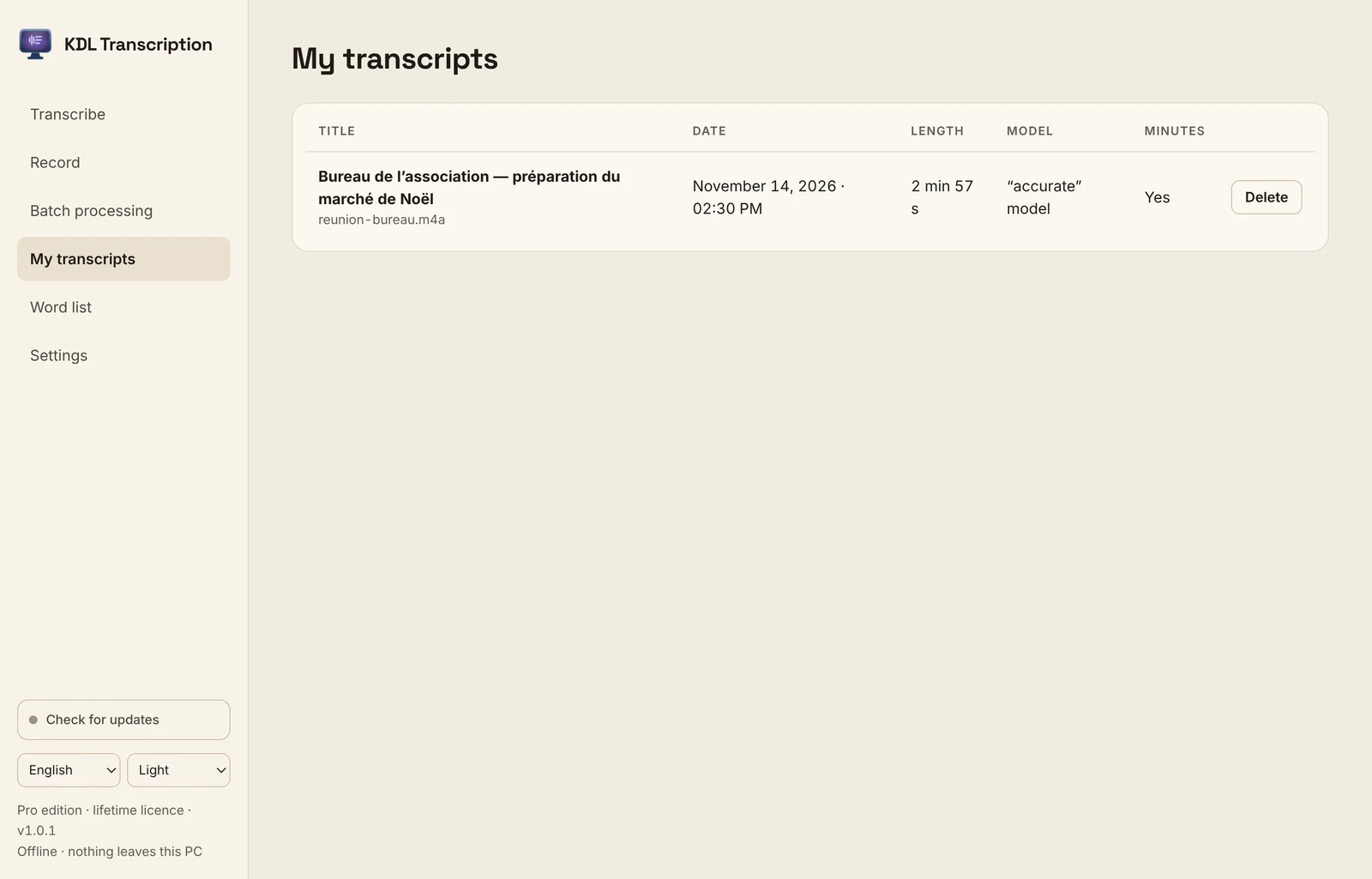
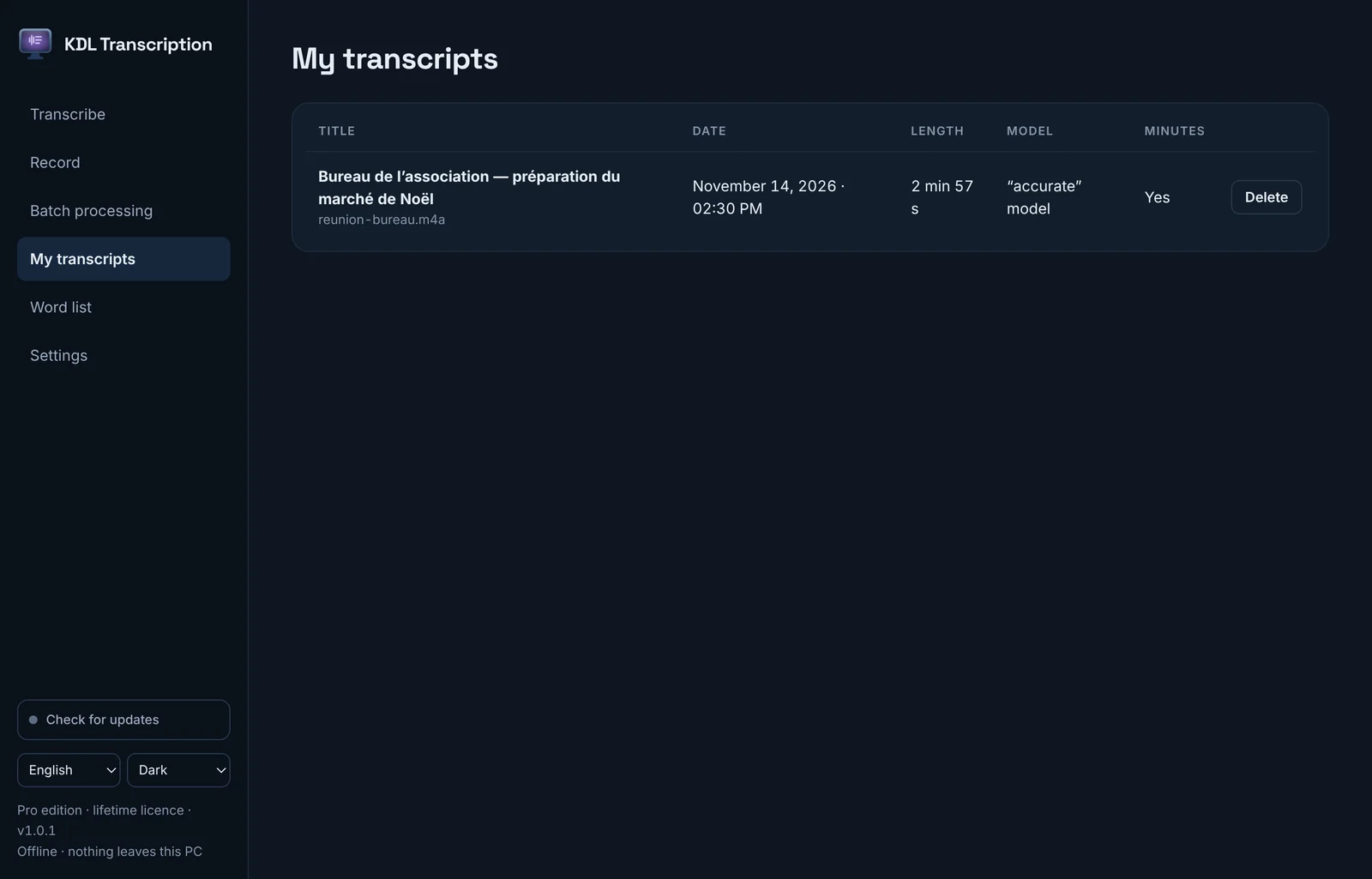
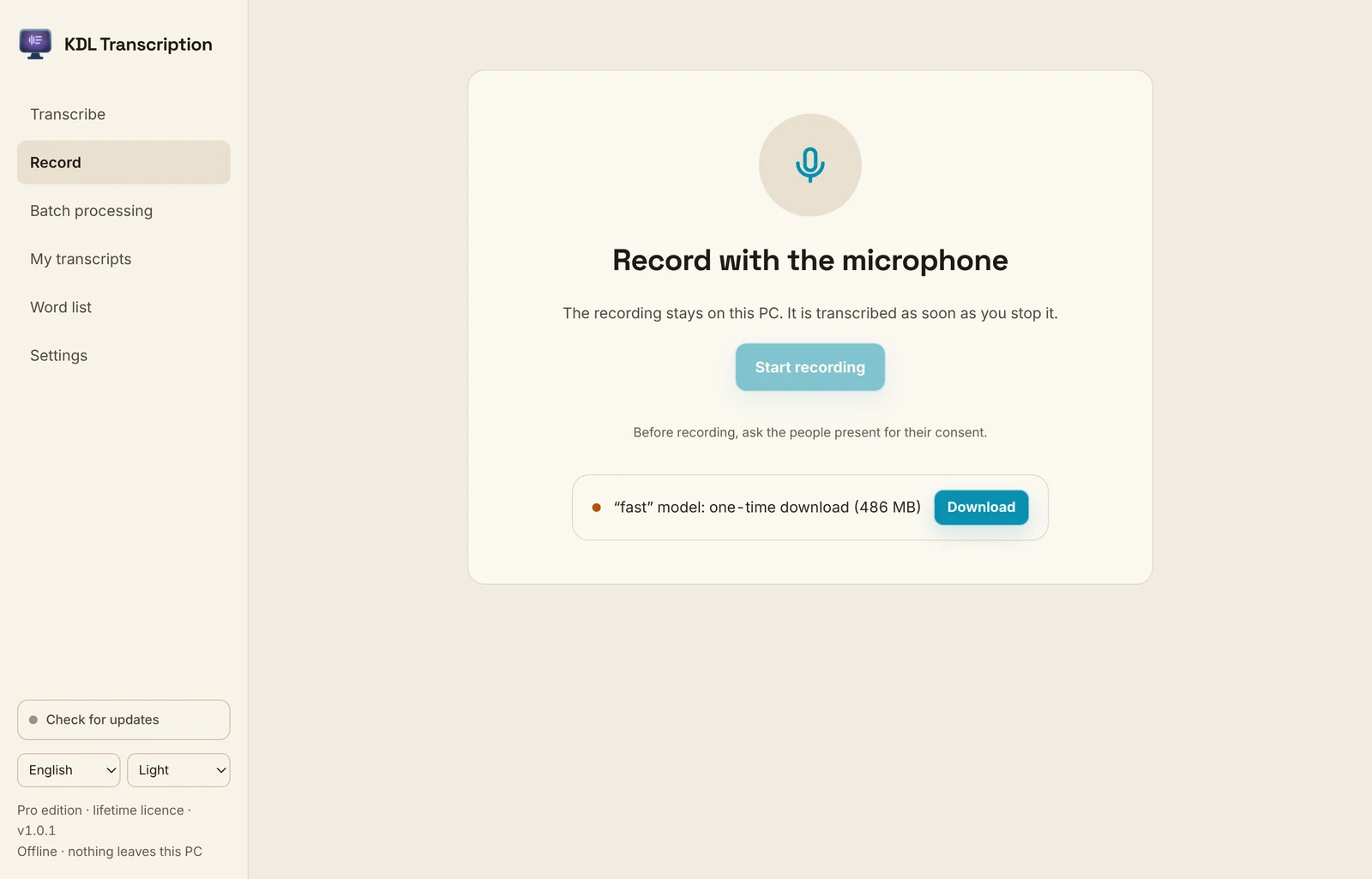
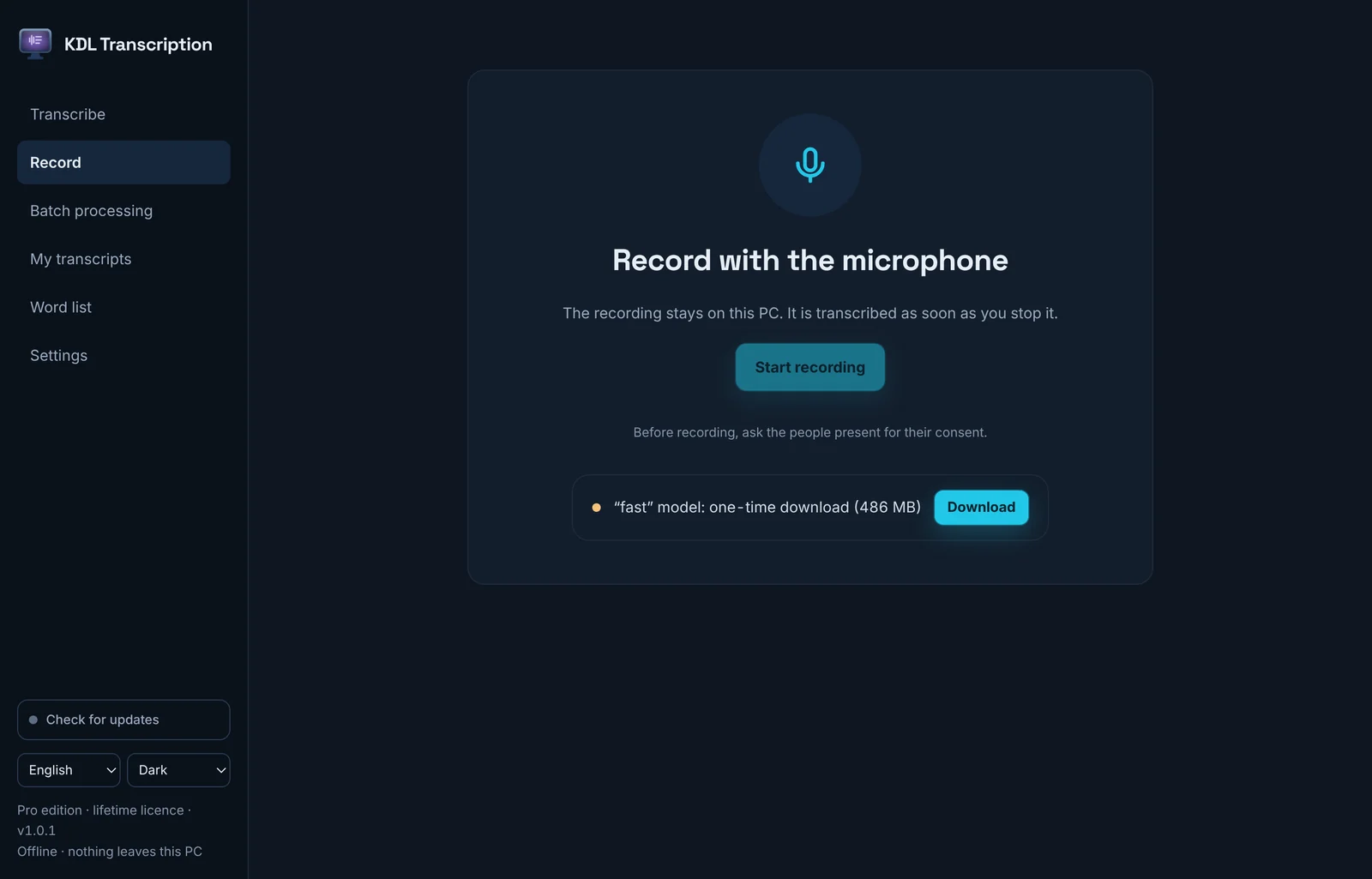
Download
Free version. If you buy a Pro key, it activates in this same app.
Version 1.0.1
WindowsYour system
Windows 10 and 11.exe installer · 225.3 MBMacYour system
Mac with Intel processorModels before 2021 · 195.8 MBThe Windows files are not code-signed yet: the first time you run them, Windows SmartScreen may show a warning. What to do if Windows or Mac blocks the install
SHA-256 checksums
- KDL-Transcription-1.0.1-Windows-Setup.exe
bf17eeccab1ca0b740360598665a4e6c52a156db189b8bc3923fe331dcbf5f13 - KDL-Transcription-1.0.1-Linux-amd64.deb
8c2e37136e59796b2c7f1486ac22c4cae778fac97b49d121d05a4c2b375d44ce - KDL-Transcription-1.0.1-Linux-x86_64.rpm
2aea61e86257bfbbe6c417d9c8a44a27d802b911ed316b9db7bcdb45442c8af4 - KDL-Transcription-1.0.1-Linux-x64.pkg.tar.xz
54b7d6c481a2beaf2d43873591b15deb804b44ac03cd6bdc8fcd31d642abeabe - KDL-Transcription-1.0.1-Linux-x86_64.AppImage
cc341bbf25ca4337e2e60b2ba4eda59ef50df8dd47e98528a1e021bb8d12ae80 - KDL-Transcription-1.0.1-Linux-x64.tar.gz
e29ed81dd709e1e44fabfa9f7a72f7c6afbc291734548b2e9aa99c67c3116d34 - KDL-Transcription-1.0.1-macOS-x64.dmg
1b84f6420a2965213d6c7f20354005d37dead934b98afa5e08df7a921f2c8093
Questions
- Do my recordings go online?
- No. The transcript and the minutes are computed on your computer. The software only connects to download the models the first time (from Hugging Face), to look for an update or to activate a Pro licence.
- How long does it take?
- On a 2017 office PC (Intel Core i5-6500, no graphics card), a 3-minute meeting is transcribed in under a minute with the fast model, and in two and a half minutes with the accurate model. The minutes take about two more minutes.
- How much disk space does it need?
- About 500 MB for the fast model. Pro adds 1.6 GB for the accurate model and 2.5 GB for the minutes.
- Does it recognise who is speaking?
- Not on its own. In Pro, you name the speakers and assign the sentences; the minutes use them to say who does what.
- Is the Pro edition a subscription?
- No. You buy it once, €39, for up to 3 computers.