
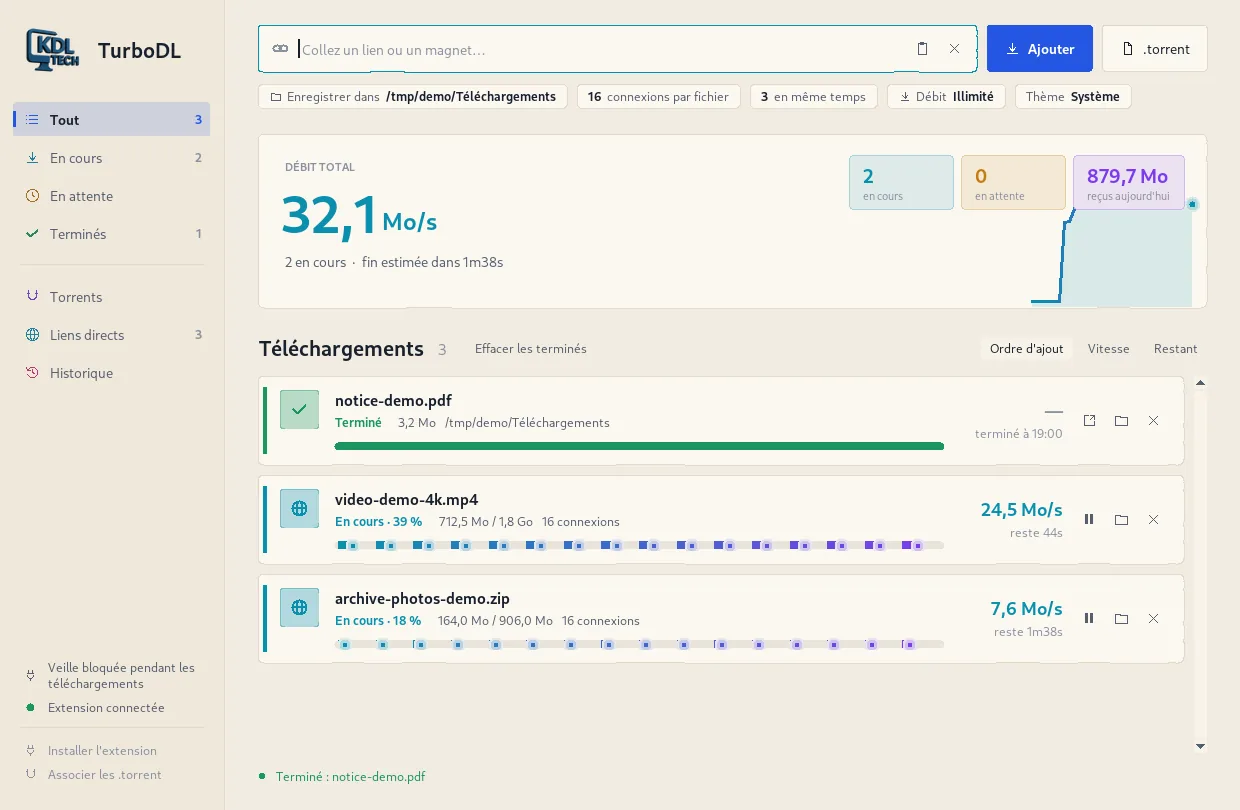
What it does
- Faster direct links, up to 32 connections
- Torrents and magnet links in the same window
- Automatic resume after a dropout or a restart
- Speed limit from 1 to 50 MB/s
- Queue, live speed, history
- Extension for Chrome and Edge
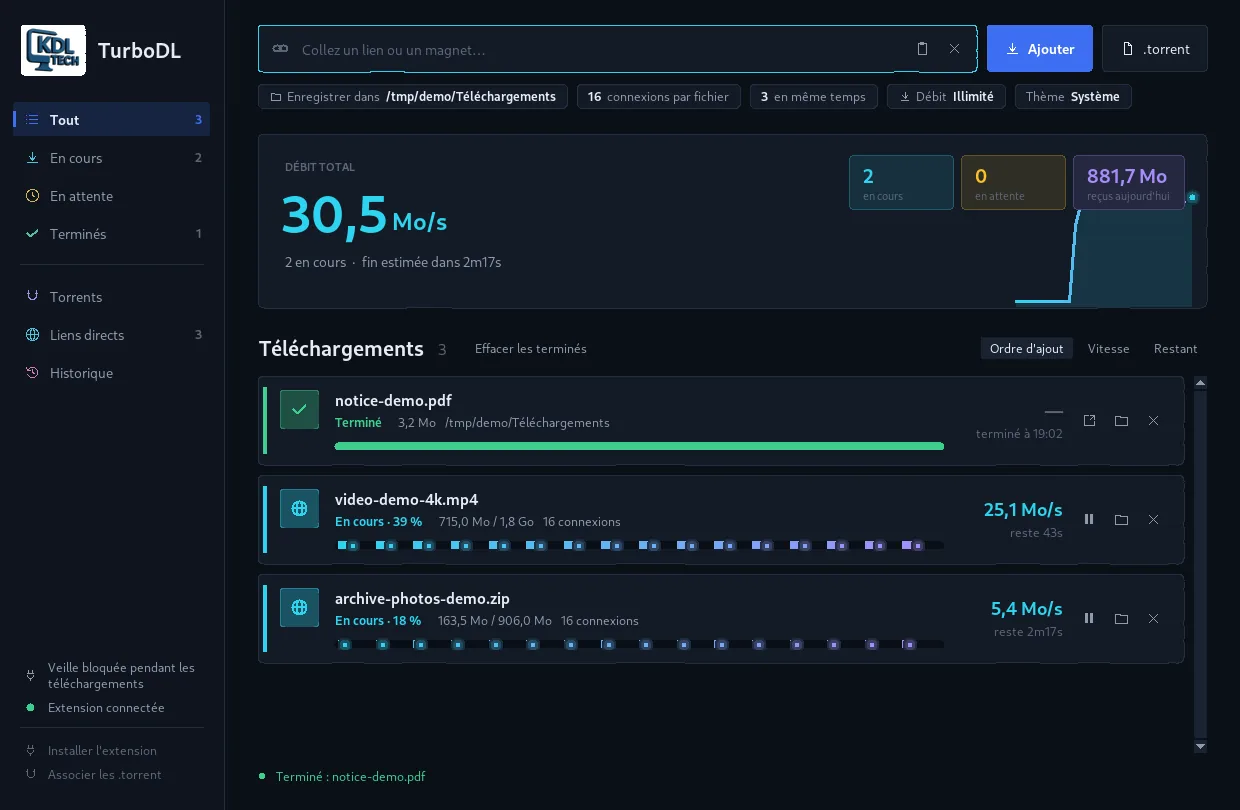
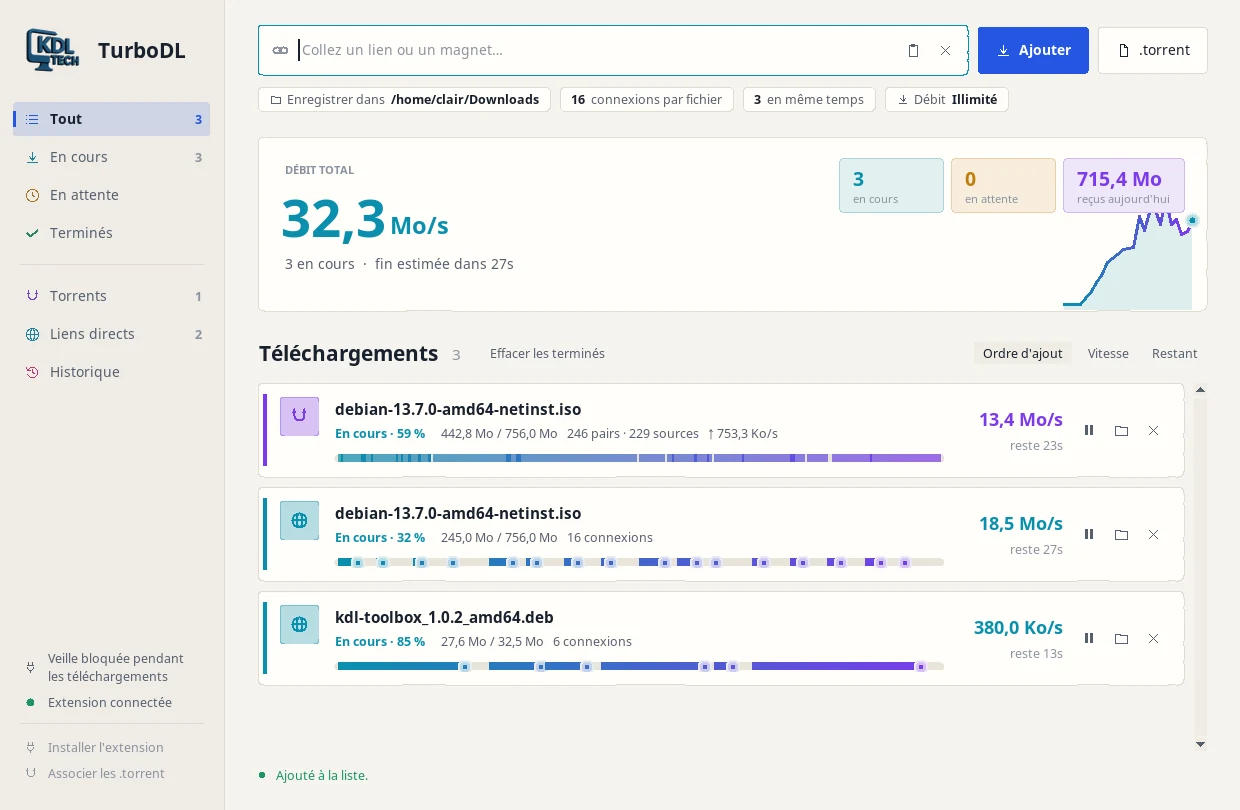
Screenshots
Download
Free, no account.
Version 1.9.0
WindowsYour system
Portable versionNo installation · 16.0 MBLinuxYour system
Ubuntu, Debian, Mint.deb package · 43 KBThe Windows files are not code-signed yet: the first time you run them, Windows SmartScreen may show a warning.
Free software under the MIT licence.
SHA-256 checksums
- TurboDL-1.9.0.exe
2e181783b1ab3f1858df91fd0b8271a1fbdbb9f4b6ca667e982b2283e2ee53fd - turbodl_1.9.0_all.deb
a299dabac6f9ccc28b46a6c1fad434660fcbd9d85ac49ecc85e2dd7b0b9ced86
Questions
- Do I lose my downloads if I close TurboDL?
- No. Whatever was in progress resumes the next time you start it.
- TurboDL is using my whole connection, what can I do?
- Click the Speed chip under the address bar and pick a limit, for example 5 MB/s.
- How do I install it on Linux?
- Download the .deb package and type sudo apt install ./turbodl_1.9.0_all.deb in a terminal. It works on Debian 12 and 13, Ubuntu, Linux Mint and their derivatives.
- Is the source code open?
- Yes. TurboDL is free software under the MIT licence, and its code is on GitHub: github.com/Kdl-Tech/turbodl.